今天我们学习怎样把List<T>写成一个XML文件保存起来。因为我们在做动态网站开发时,需要对一些不太常变化的数据产生为XML文件,让程序直接去读取,而不是每次是SQL数据库取。
为了解决一个问题,我们得需先创建一个自定义的Result()在ASP.NET MVC中。这个Result操作可以继承ActionResult或者ContentResult。
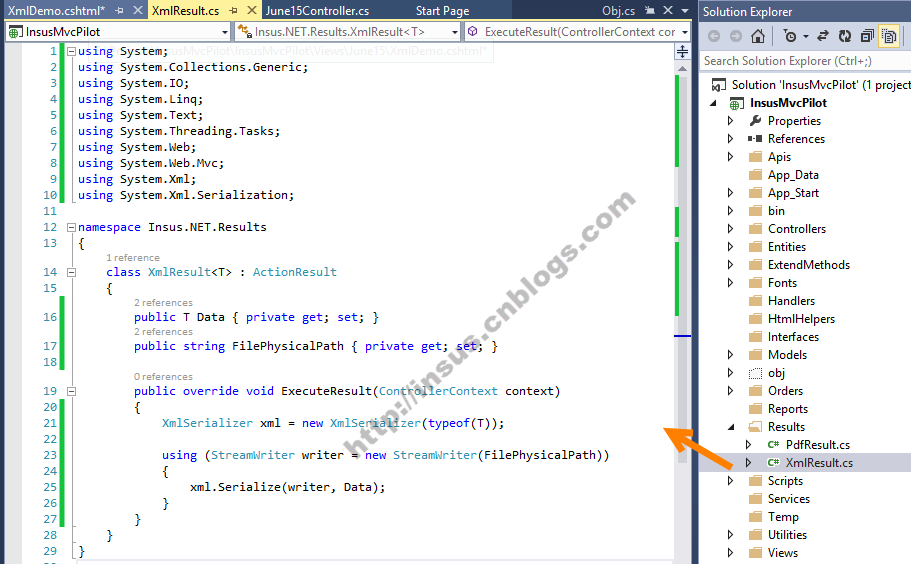
代码:
 class XmlResult<T> : ActionResult
    {
        public T Data { private get; set; }
        public string FilePhysicalPath { private get; set; }

        public override void ExecuteResult(ControllerContext context)
        {
            XmlSerializer xml = new XmlSerializer(typeof(T));

            using (StreamWriter writer = new StreamWriter(FilePhysicalPath))
            {
                xml.Serialize(writer, Data);
            }
        }
    }