Vue.js for IntelliJ IDEA-based IDEs
This plugin provides support for Vue.js in IntelliJ IDEA Ultimate, WebStorm, PhpStorm, PyCharm Professional and RubyMine.
只支持商业版的idea
It provides intelligent Vue-specific code completion, navigation, and refactoring.
The plugin bundles a collection of Vue.js code templates by Sarah Drasner.
Getting started
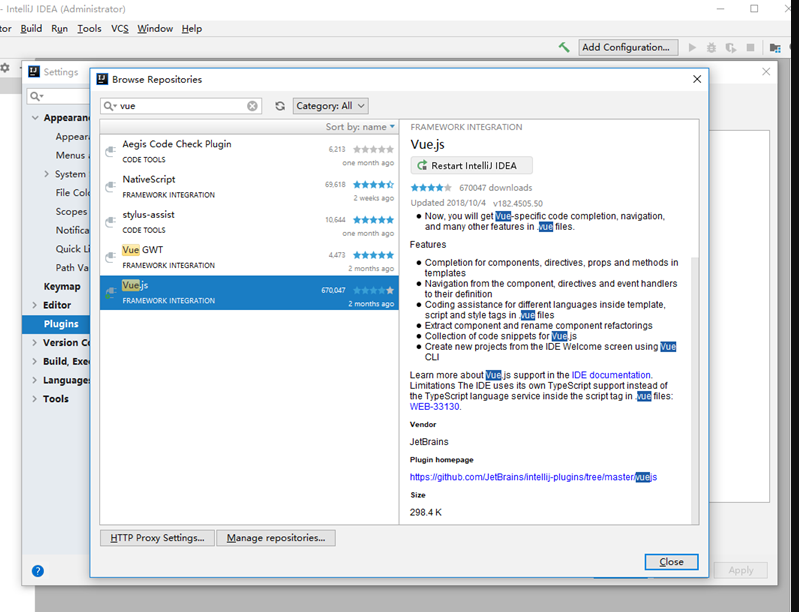
- If you’re using IntelliJ IDEA Ultimate, PhpStorm, PyCharm, or RubyMine, install Vue.js plugin in Preferences | Plugins - Install JetBrains plugins.
- Open your Vue project.
- Make sure that you have Vue.js library files in your project (for example, in the node_modules folder).