更新源列表命令
sudo apt-get update
sudo apt-get upgrade –y
This is the list of packages you need to have available on your system that will run Hass.io if you are using Debian/Ubuntu:
apparmor-utils apt-transport-https avahi-daemon ca-certificates curl dbus jq network-manager socat software-properties-common
其中部分系统已经安装过了。
安装支持库文件
sudo apt-get install bash socat jq
拉取Homeassistant镜像
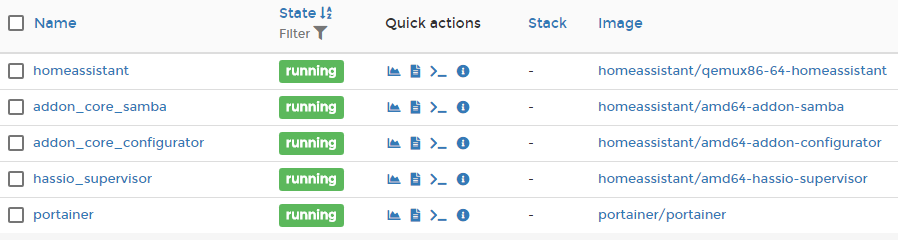
sudo docker pull homeassistant/qemux86-64-homeassistant:latest
拉取Supervisor镜像
sudo docker pull homeassistant/amd64-hassio-supervisor:latest
安装Hass.io
修改root管理密码
sudo passwd
切换用户到root
su root
到root根目录
cd
运行下面的命令完成安装
curl -sL https://raw.githubusercontent.com/home-assistant/hassio-build/master/install/hassio_install | bash -s
root@OptiPlex:~# curl -sL https://raw.githubusercontent.com/home-assistant/hassio-build/master/install/hassio_install | bash -s
[Info] Install supervisor docker
[Info] Install supervisor startup scripts
Created symlink /etc/systemd/system/multi-user.target.wants/hassio-supervisor.service → /etc/systemd/system/hassio-supervisor.service.
[Info] Install AppArmor scripts
Created symlink /etc/systemd/system/multi-user.target.wants/hassio-apparmor.service → /etc/systemd/system/hassio-apparmor.service.
[Info] Run Hass.io
root@OptiPlex:~#
相关帖子:https://bbs.hassbian.com/thread-4520-1-1.html