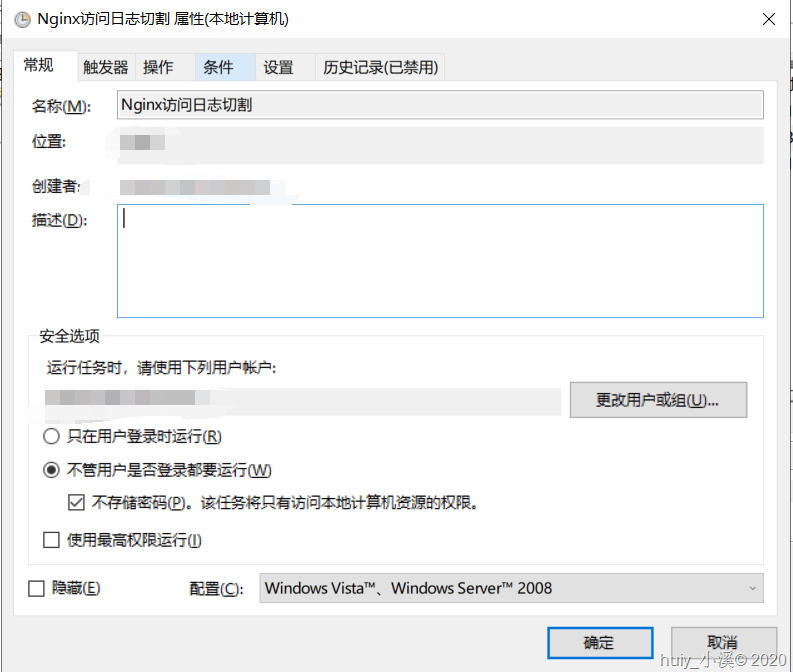
利用 BAT脚本和任务计划程序来完成。
1.BAT
@echo on
set nginx=d:\logs\nginx
set history=d:\logs\nginx\history
md %history%
net stop nginx
set "Ymd=%date:~0,4%%date:~5,2%%date:~8,2%0%time:~1,1%%time:~3,2%%time:~6,2%"
move %nginx%\csget-access.log %history%\csget-access-%Ymd%.log
net start nginx
nginx是用服务方式启动的,可以参见:https://www.cnblogs.com/huiy/p/12459356.html
2.任务计划程序
触发时间可以定在23:59分。