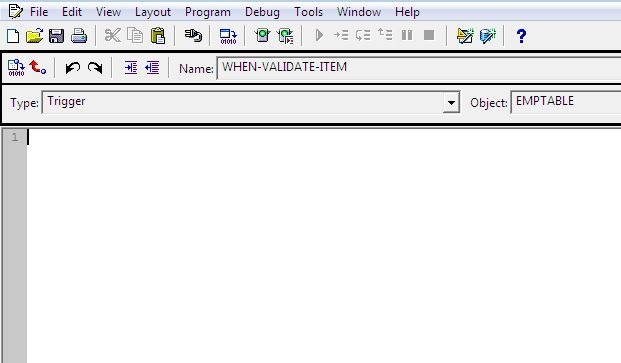
I have written many posts related to triggers in Oracle Forms, I have given examples for Form Level triggers, Data Block Level triggers and Item Level Triggers. And in this tutorial I am just giving the simple tutorial to how to create a trigger in Oracle Form's object navigator.
Create Form Level Trigger
1. Click on the Triggers node just below the Form name and then click on + icon.
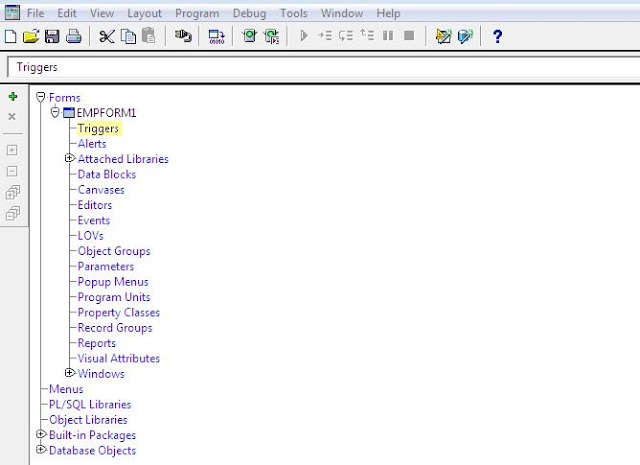
2. Then Trigger Dialog window will open then select trigger you want to create and click on OK button.

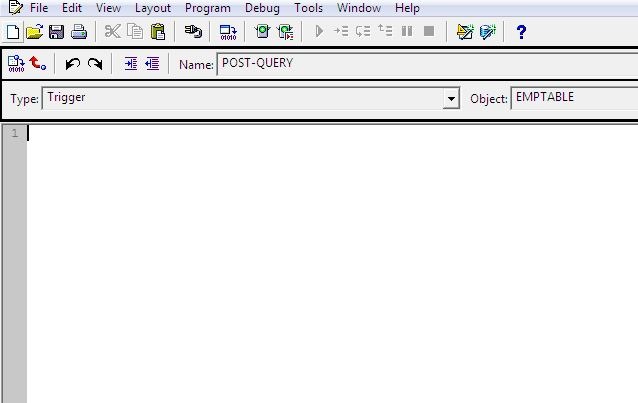
3. The Code Editor window will open then write your trigger code.
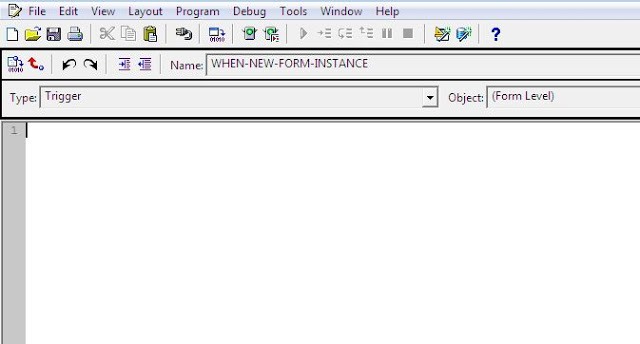
Create Data Block Level Trigger
1. Click on the Triggers node just below the Block Name and click on the + button.
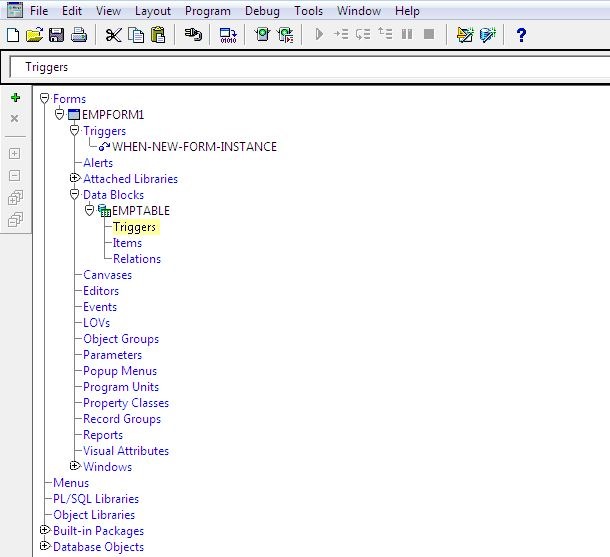
2. Trigger dialog window will open the select the trigger you want to write and click on OK button.
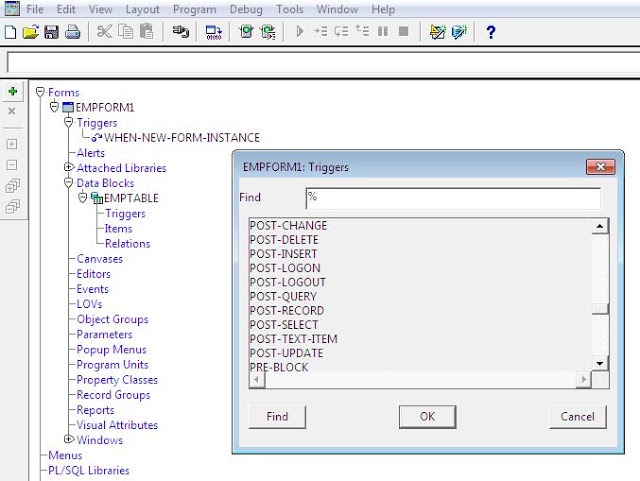
3. Then the Code Editor window will open and here you can write your code.
Create Item Level Trigger
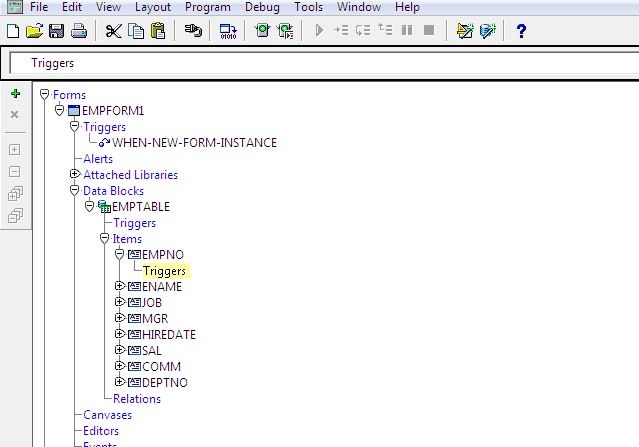
1. Click on the Triggers node just below the item for which you want to create the trigger and then click on + button.
2. Trigger dialog window will open then select the trigger and click on OK button.
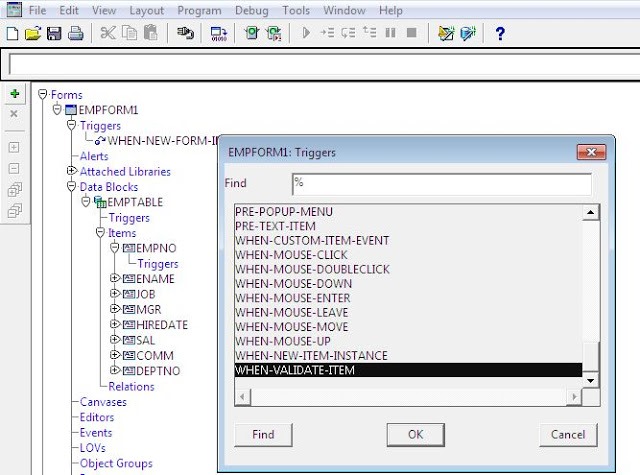
3. The Code Editor window will open then write your code.