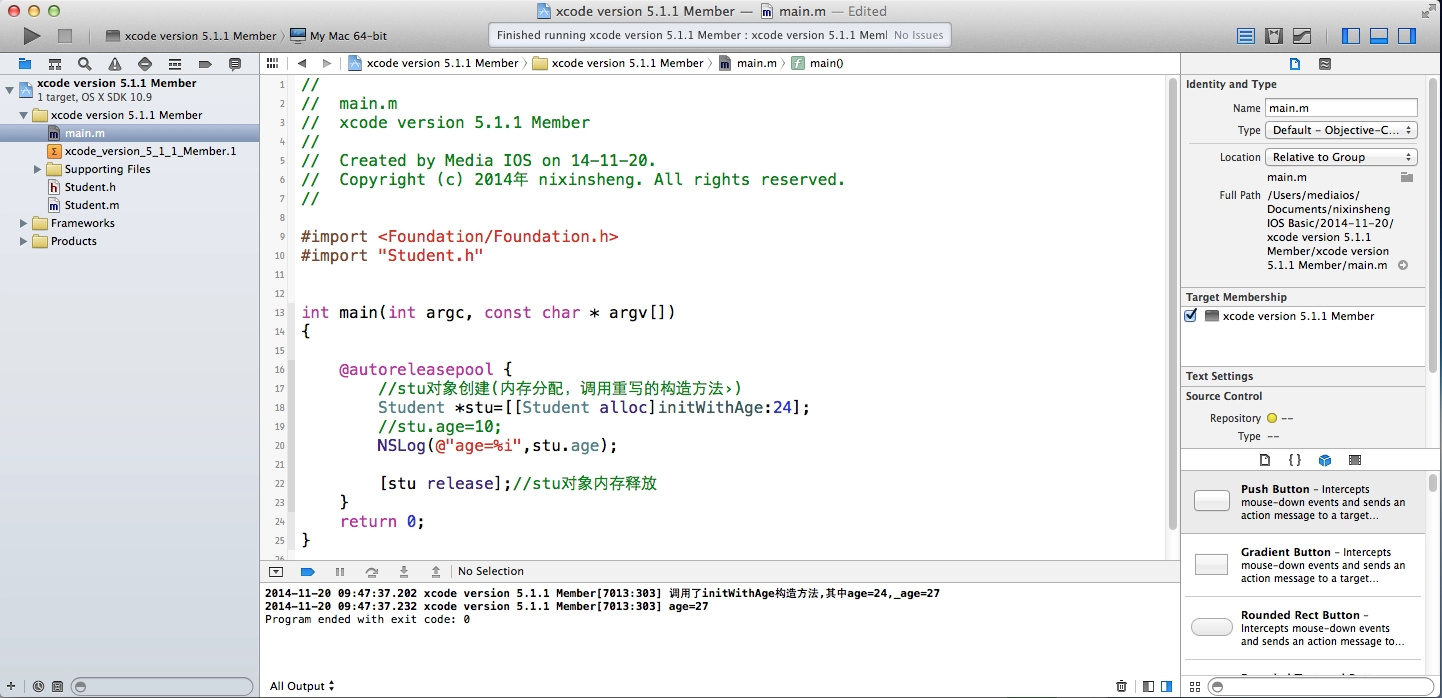
在刚刚开始学习IOS开发时,最好不要开启ARC,这样有助于学习内存管理,但不少刚刚接触Xcode的朋友可能会发现,当你使用最新版本的Xcode时,敲入release等代码时会提示报错。这是因为系统默认使用自动内存管理,下面就简单说明下如何设置这个ARC。
注解:IOS 5.0以后,xcode4.2之后
//ARC(auto reference count)-自动引用计数,
//编译器自动帮我们计算引用计数器,编辑器会知道什么时候做[stu release],
//Student *stu=[[[Student alloc] init]autorelease];
方法/步骤
1、Now,xcode version 5.1.1 Member of my iMAC. a new Project,you can't Release Memory directorily.

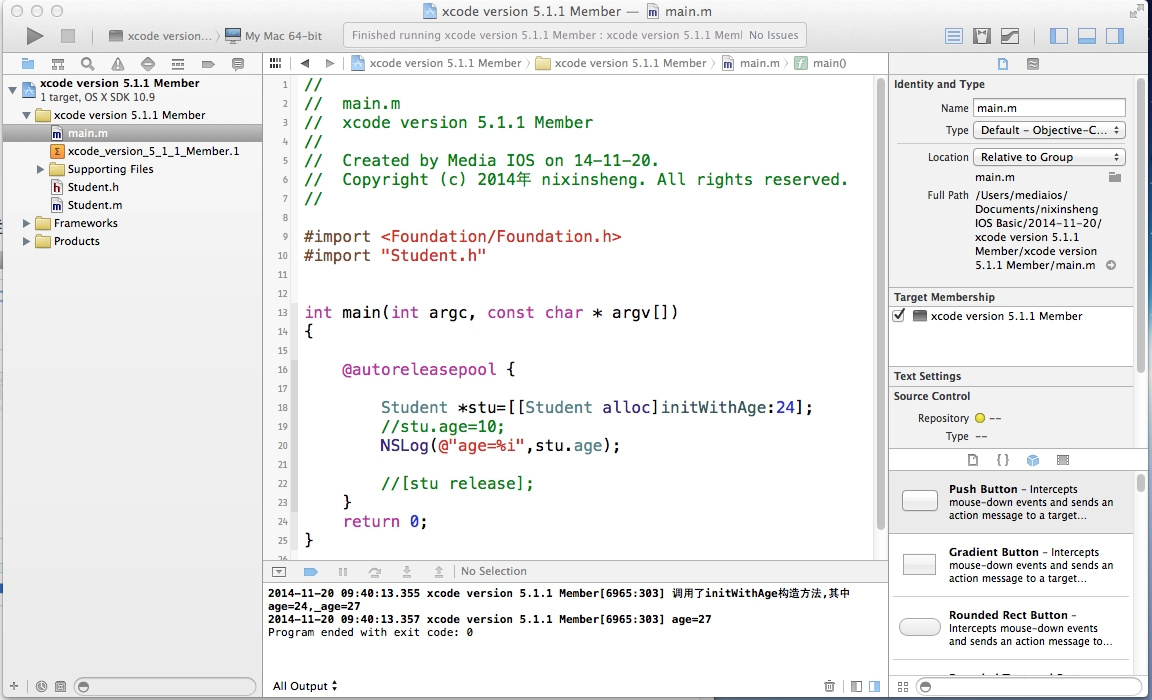
-
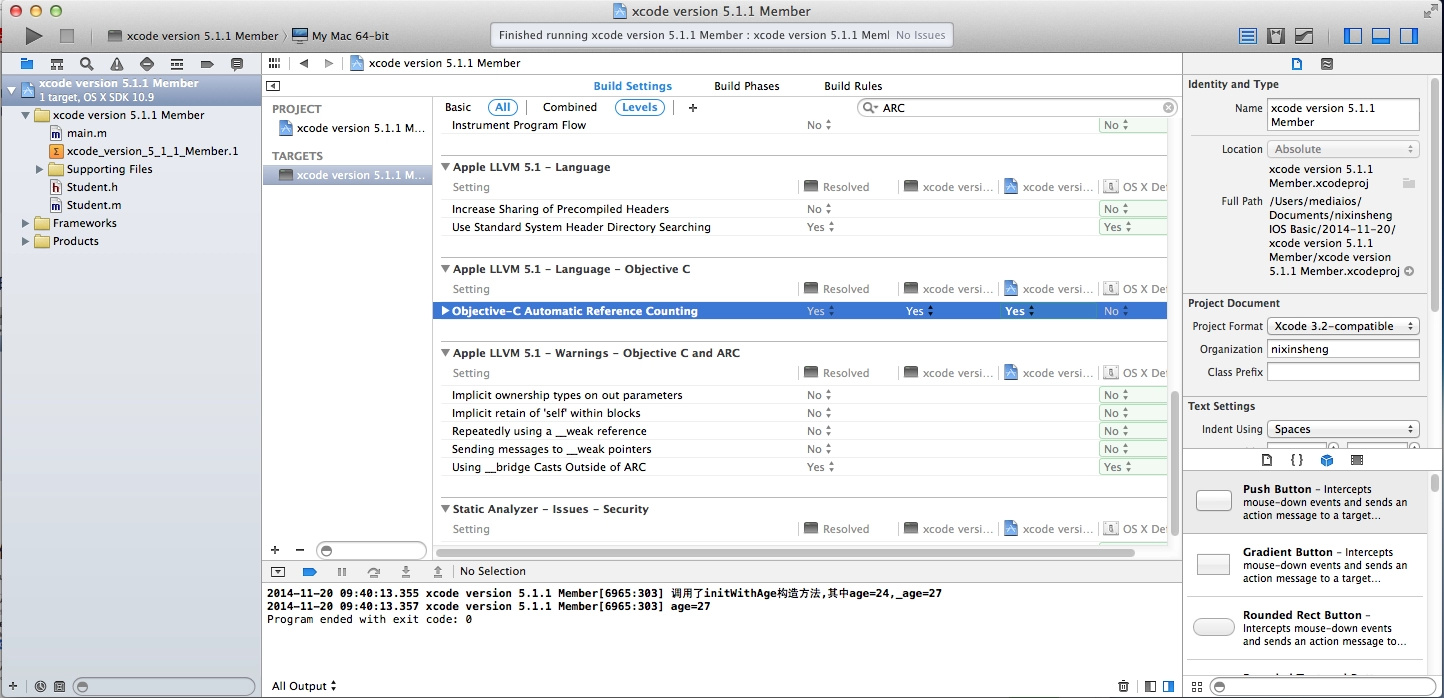
2、Find the Title of this Project left,Center infomation->levels->ARC search... find the flag->YES turn to NO...OK!
3、Now,you can Release Memory on you xcode version 5.1.1 member. Attention Please: Way for Other Version on xcode.
Editor:wvqusrtg 2014-11-20;