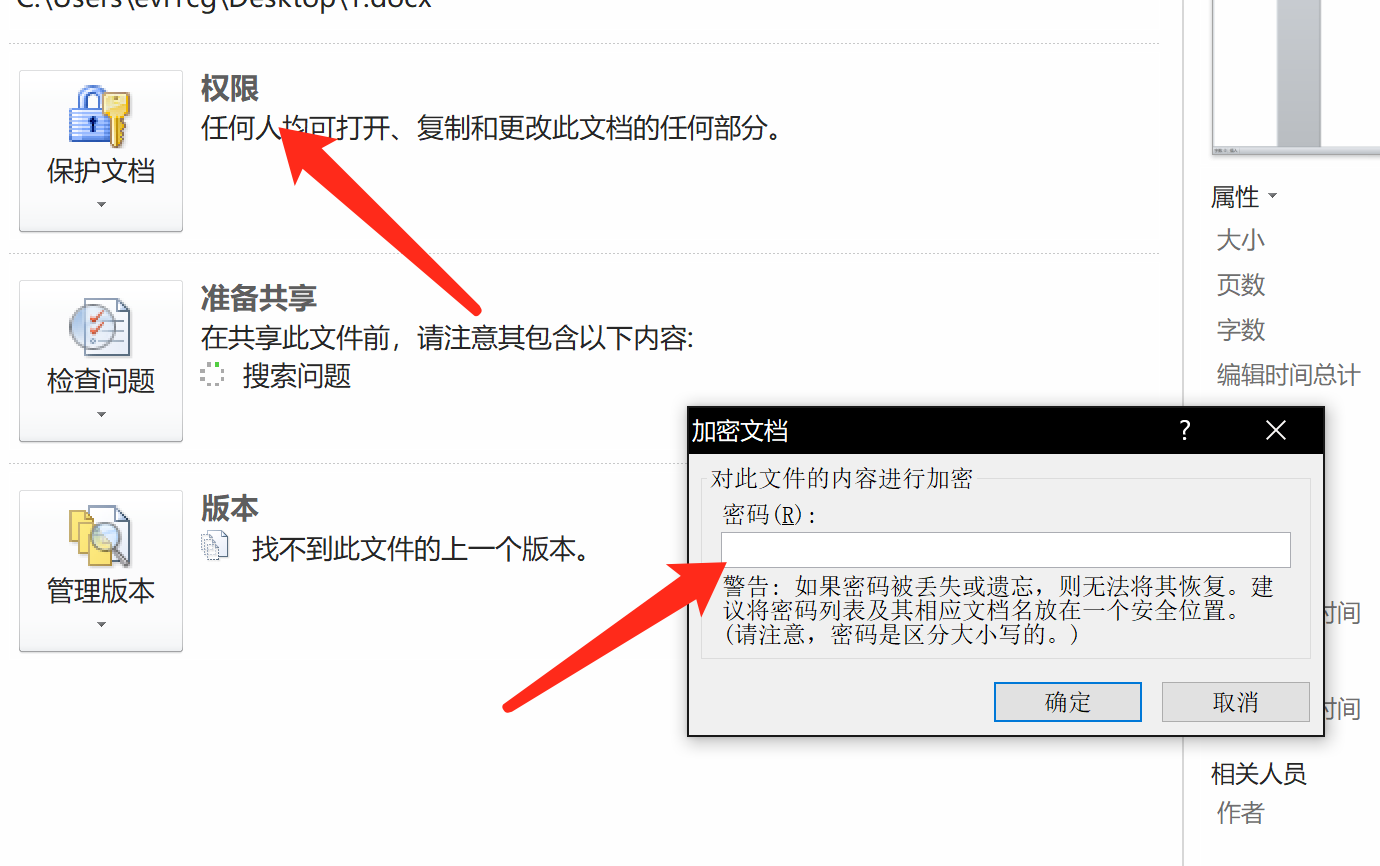
首先要下载 office2john.py,支持破解的加密为office自带的加密功能,即:
 
使用hashcat破解加密office文件


使用office2john将office转换为hash:


1
python office2john.py 123.docx > hash.txt


使用hashcat破解加密office文件


使用以下命令进行切割,转换成hashcat支持的形式:


1
awk -F ":" '{print $2}' hash.txt > hashhc.txt


使用hashcat破解加密office文件


使用hashcat进行破解:


1
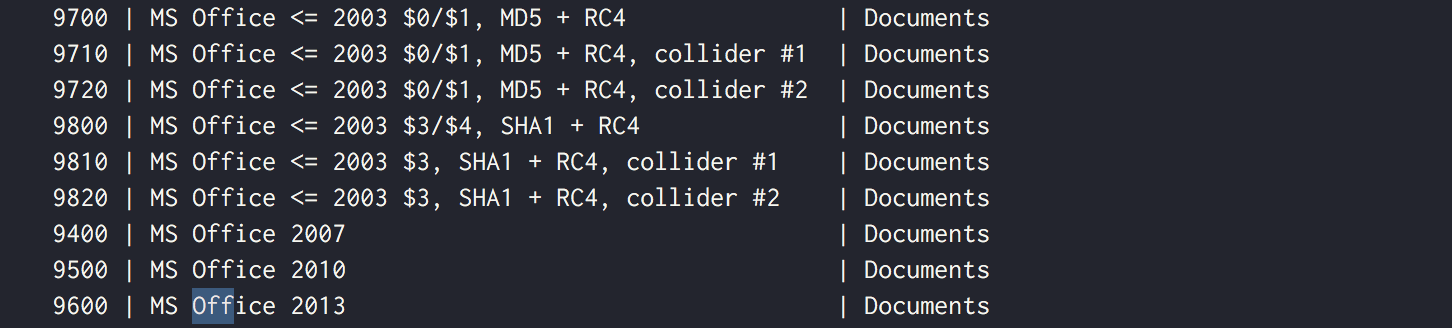
hashcat -m 9500 hashhc.txt ~/wordlist/passwd.txt -o out.txt


这里我使用了office2010,所以选择9500,要根据对应版本来选择

选择版本可以使用 hashcat –help 来查看
 
使用hashcat破解加密office文件


破解成功如下:

 
使用hashcat破解加密office文件

相关文章:

  • 2022-12-23
  • 2021-12-10
  • 2021-12-25
  • 2022-12-23
  • 2021-07-10
  • 2021-11-21
  • 2021-09-27
  • 2021-09-08
猜你喜欢
  • 2022-12-23
  • 2022-12-23
  • 2022-12-23
  • 2021-12-18
  • 2021-11-22
  • 2022-12-23
  • 2021-12-31
相关资源
相似解决方案


