原文:https://adsecurity.org/?p=3719 chrome默认翻译结果
Microsoft 随 Windows Server 2008 R2(和更新版本)提供了多个 Active Directory PowerShell cmdlet,这大大简化了以前需要将涉及 ADSI 的冗长代码行放在一起的任务。
在 Windows 客户端上,安装远程服务器管理工具 (RSAT)并确保安装了 Active Directory PowerShell 模块。
在 Windows 服务器(2008 R2 或更新版本)上,在 PowerShell 控制台中运行以下命令(以管理员身份):
导入模块服务器管理器;添加-WindowsFeature RSAT-AD-PowerShell
这是我的(糟糕的)ADSI 示例:
$UserID = “JoeUser”
$root = [ADSI]''
$searcher = 新对象 System.DirectoryServices.DirectorySearcher($root)
$searcher.filter = "(&(objectClass=user)(sAMAccountName= $UserID))"
$user = $searcher.findall()
$用户
AD PowerShell cmdlet 也是如此:
导入模块 ActiveDirectory
$UserID = “JoeUser”
Get-ADUser $UserID –property *
请注意,对于 PowerShell 版本 3 及更高版本,您不需要运行第一行,因为 Powershell 将识别必要的模块并自动加载它。
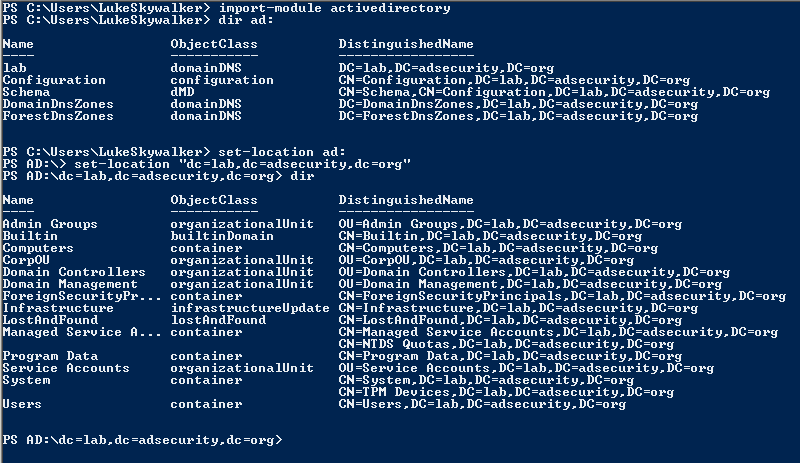
一旦你加载了 Active Directory PowerShell 模块,你就可以做一些很酷的事情,比如像文件系统一样浏览 AD
查找有用的命令 (Cmdlet):
发现可用的 PowerShell 模块:Get-Module -ListAvailable
在 PowerShell 模块中发现 cmdlet: Get-Command -module ActiveDirectory
PowerShell AD 模块 Cmdlet:
- Windows Server 2008 R2:76 个 cmdlet
- Windows Server 2012:135 个 cmdlet
- Windows Server 2012 R2:147 个 cmdlet
- Windows Server 2016:147 个 cmdlet
(Get-Command -module ActiveDirectory).count
查找 Active Directory 灵活主单一操作 (FSMO) 角色:
活动目录模块:
-
(Get-ADForest).SchemaMaster -
(Get-ADForest).DomainNamingMaster -
(Get-ADDomain).InfrastructureMaster -
(Get-ADDomain).PDCEmulator -
(Get-ADDomain).RIDMaster
.NET 调用:
-
([System.DirectoryServices.ActiveDirectory.Forest]::GetCurrentForest()).SchemaRoleOwner -
([System.DirectoryServices.ActiveDirectory.Forest]::GetCurrentForest()).NamingRoleOwner -
([System.DirectoryServices.ActiveDirectory.Domain]::GetCurrentDomain()).InfrastructureRoleOwner -
([System.DirectoryServices.ActiveDirectory.Domain]::GetCurrentDomain()).PdcRoleOwner -
([System.DirectoryServices.ActiveDirectory.Domain]::GetCurrentDomain()).RidRoleOwner
Active Directory PowerShell 模块 Cmdlet 示例:
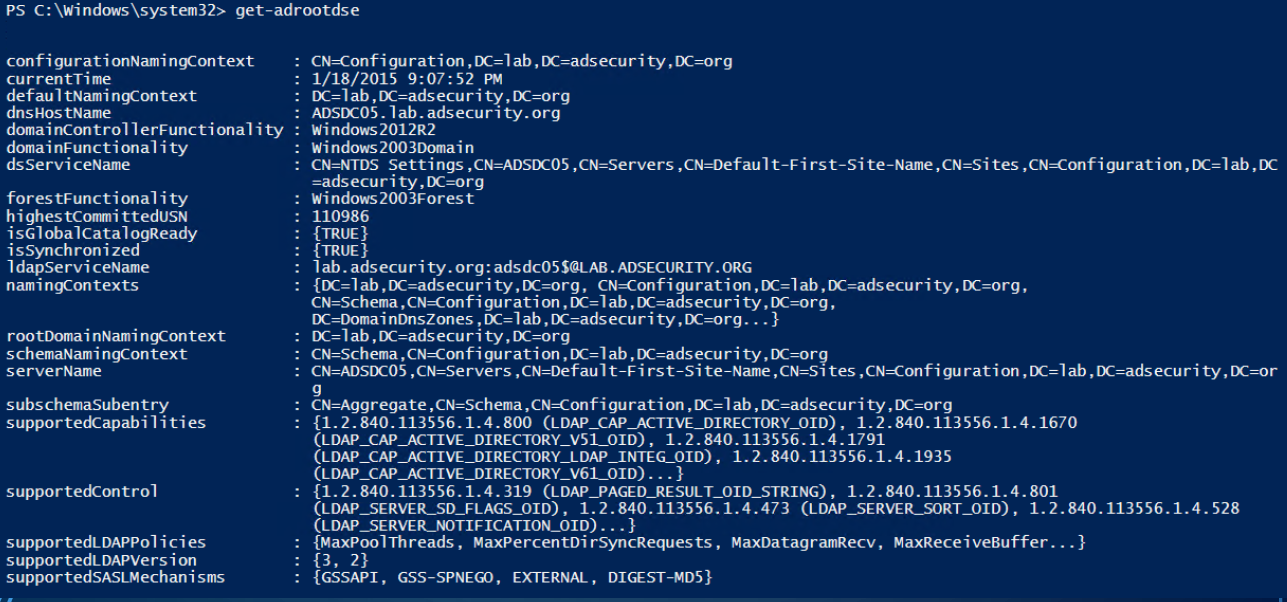
Get-RootDSE获取有关 LDAP 服务器(域控制器)的信息并显示它。结果中有一些有趣的信息,例如 DC 正在运行的操作系统。
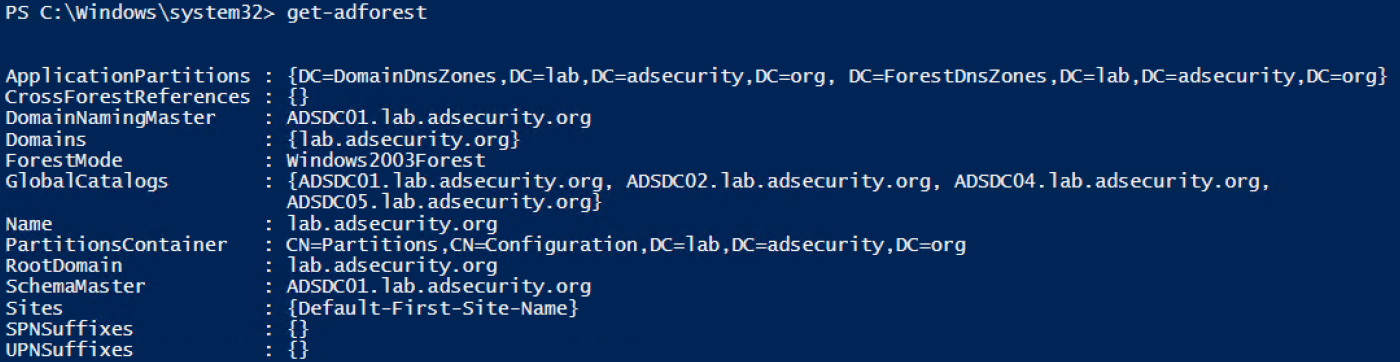
Get-ADForest提供有关运行命令的计算机所在的 Active Directory 林的信息。
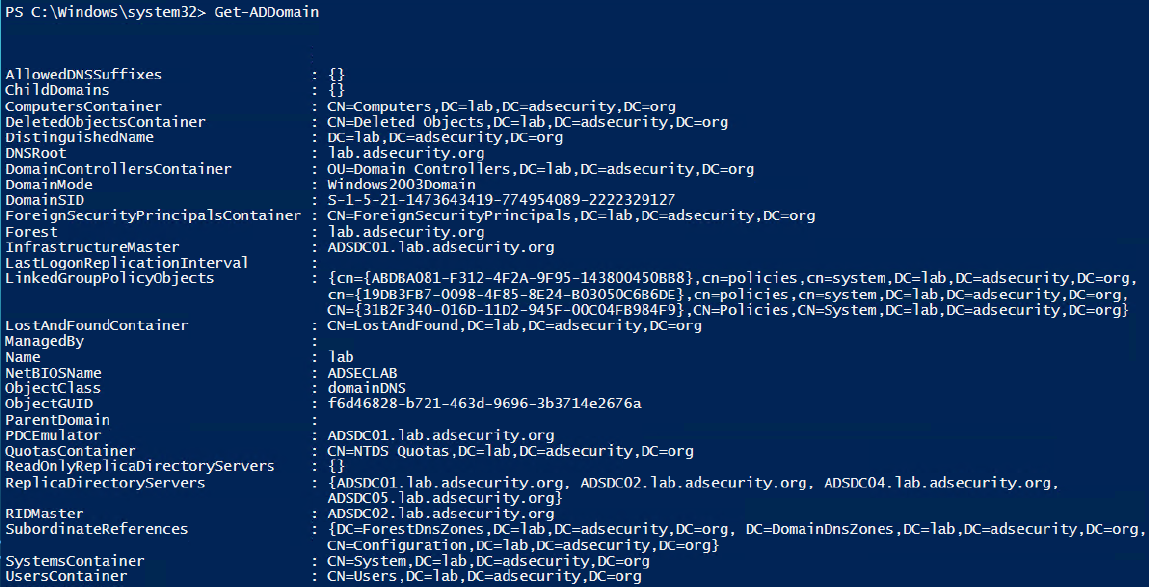
Get-ADDomain提供有关您所在的当前域的信息。
Get-ADDomainController提供特定于域控制器的计算机信息。
此 cmdlet 可以轻松查找特定站点或运行操作系统版本中的所有 DC。
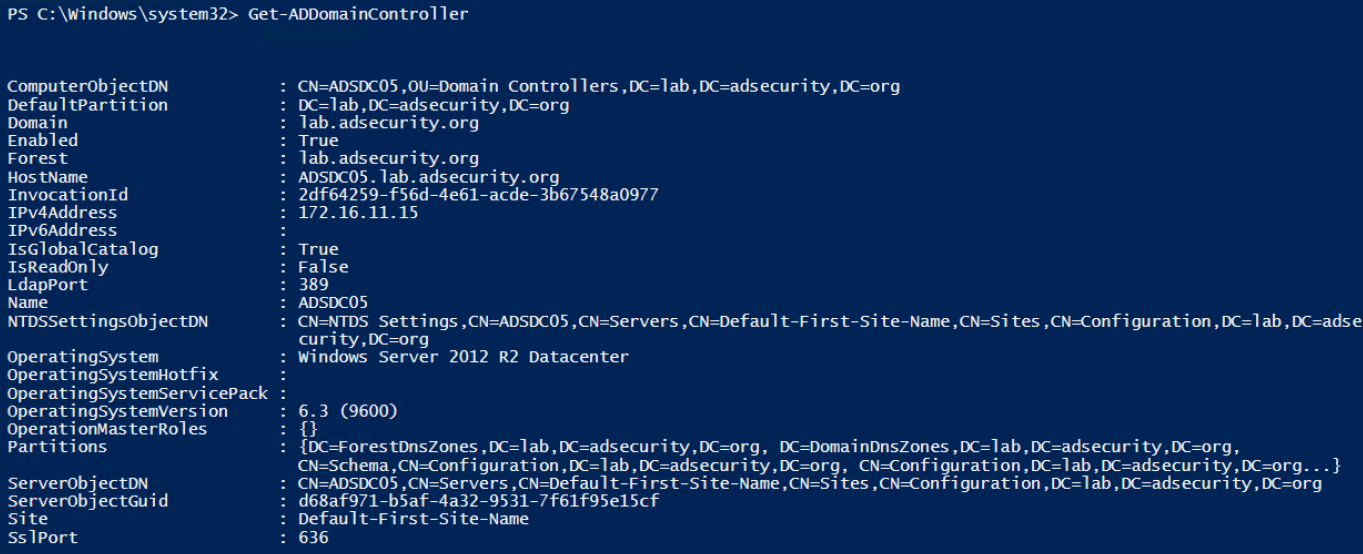
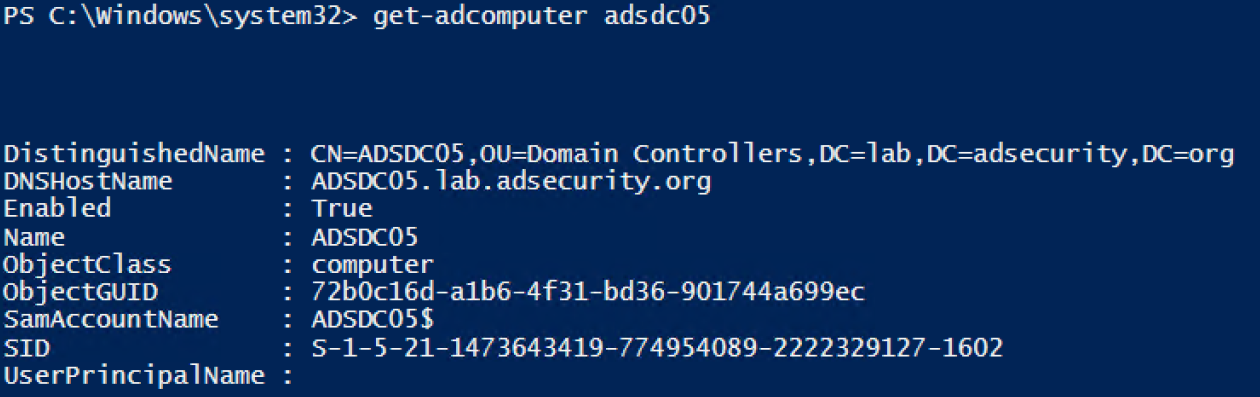
Get-ADComputer提供了您想了解的有关 AD 中计算机对象的大部分信息。
使用“-Prop *”运行以显示所有标准属性。
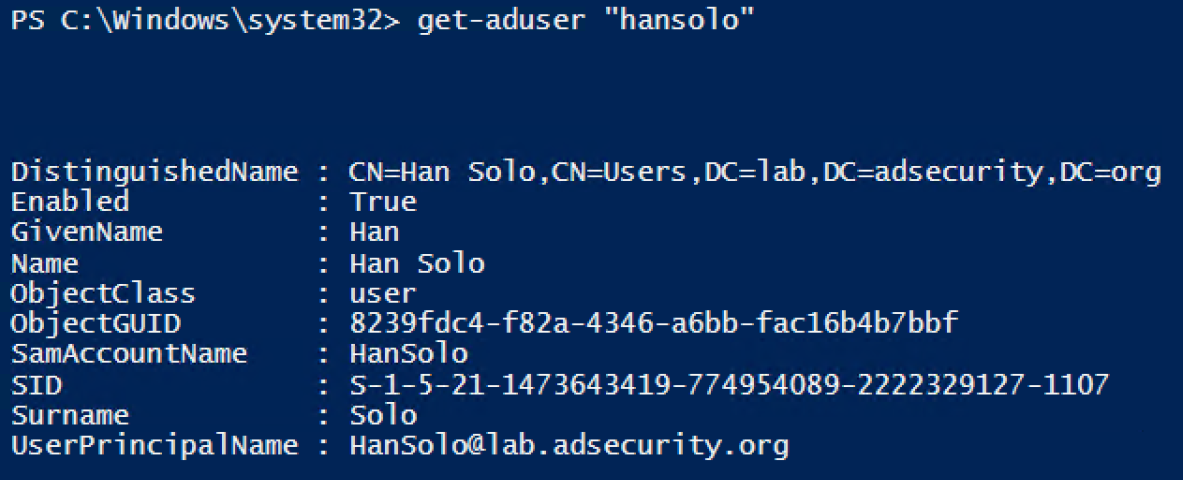
Get-ADUser提供了您想了解的有关 AD 用户的大部分信息。
使用“-Prop *”运行以显示所有标准属性。
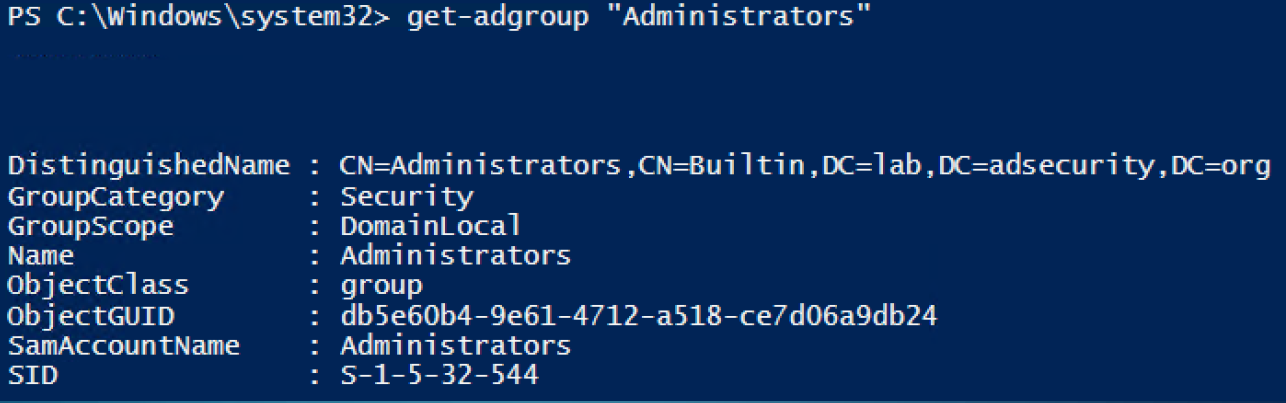
Get-ADGroup提供有关 AD 组的信息。通过运行查找所有安全组:
Get-ADGroup -Filter {GroupCategory -eq 'Security}
Get-ADGroupMember枚举并返回组成员。使用 Recursive 参数包括嵌套组的所有成员。
Get-ADGroupMember 'Administrators' -Recursive
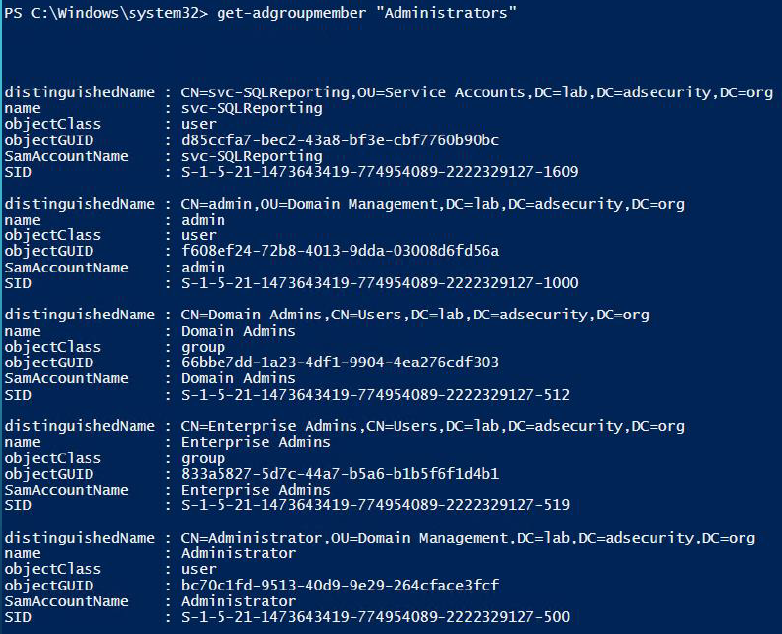
这些 cmdlet 可用于识别以前需要购买产品或自定义脚本的情况。
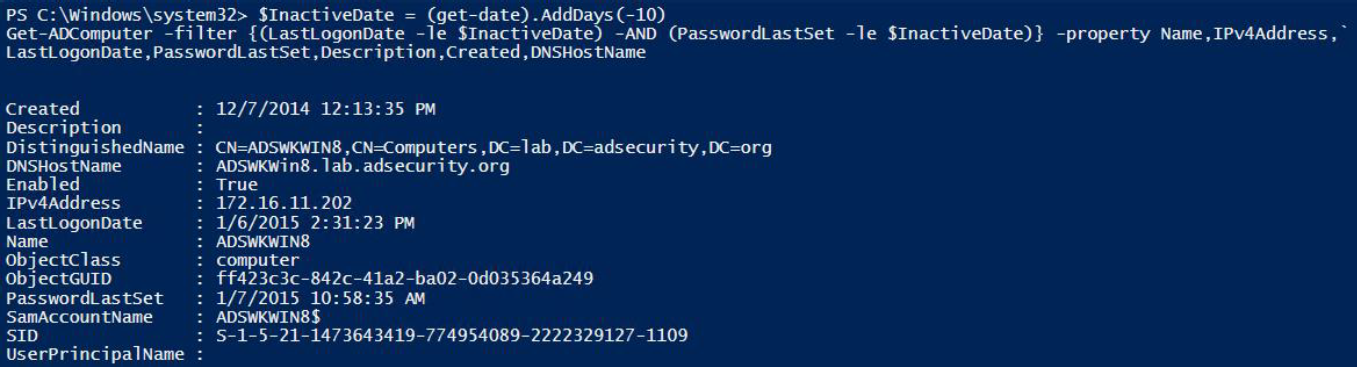
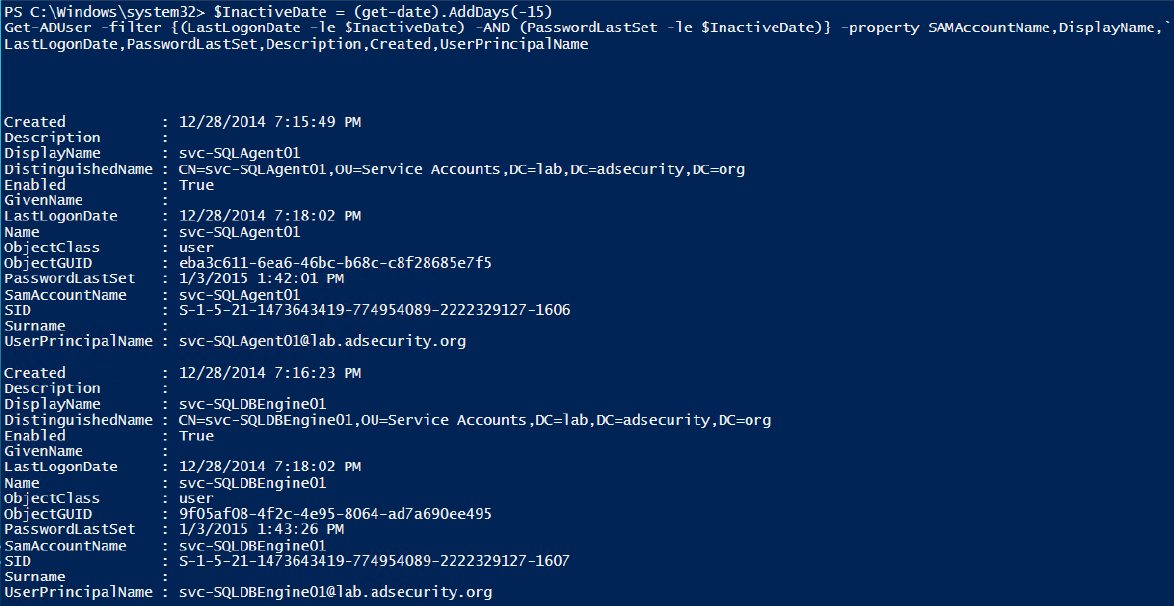
以下示例查找非活动(陈旧)计算机和用户 - 在过去 10 天内未更改其密码的帐户。请注意,这是一个实验室示例。对于实际检查,请将其更改为计算机的 60 至 90 天和用户的 180 至 365 天。
查找不活动的计算机。
查找不活跃用户。
枚举域信任

获取 AD 站点信息。
请注意,Windows 2012 模块包括用于站点的 cmdlet ( Get-ADReplicationSite *)。

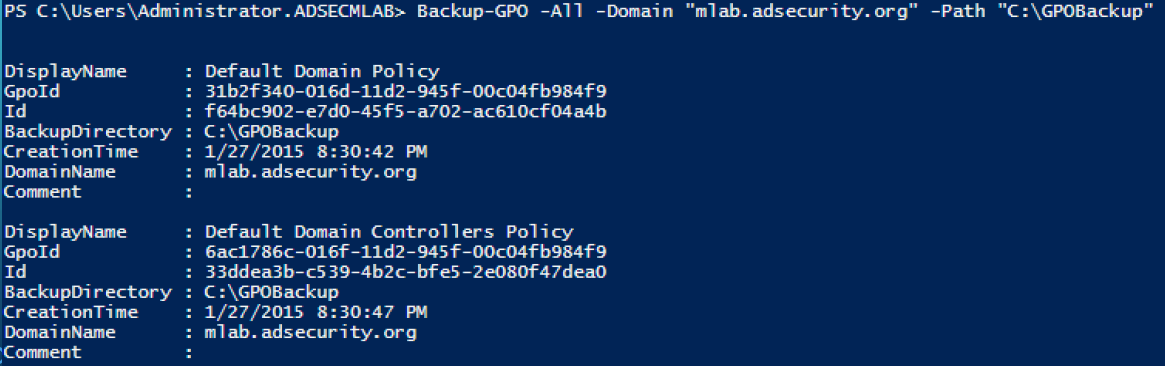
备份域 GPO
请注意,这需要安装独立于 Active Directory 模块的组策略 PowerShell 模块。
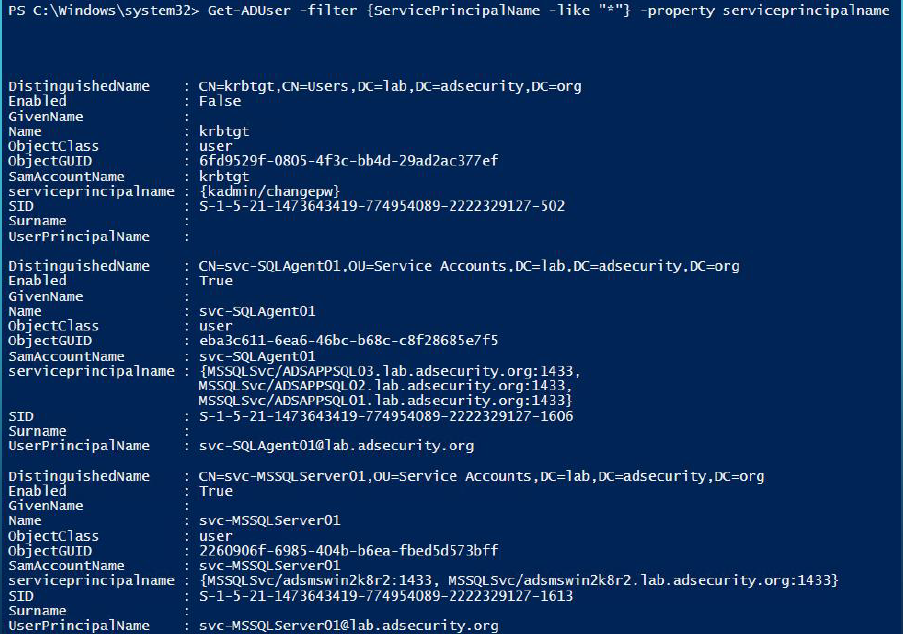
查找 AD Kerberos 服务帐户
清点域控制器
Get-ADDomainController–filter * | `选择主机名、IPv4Address、IsGlobalCatalog、IsReadOnly、OperatingSystem | `格式表-自动

Get-ADReplicationPartnerMetadata(Windows Server 2012 和更新版本)
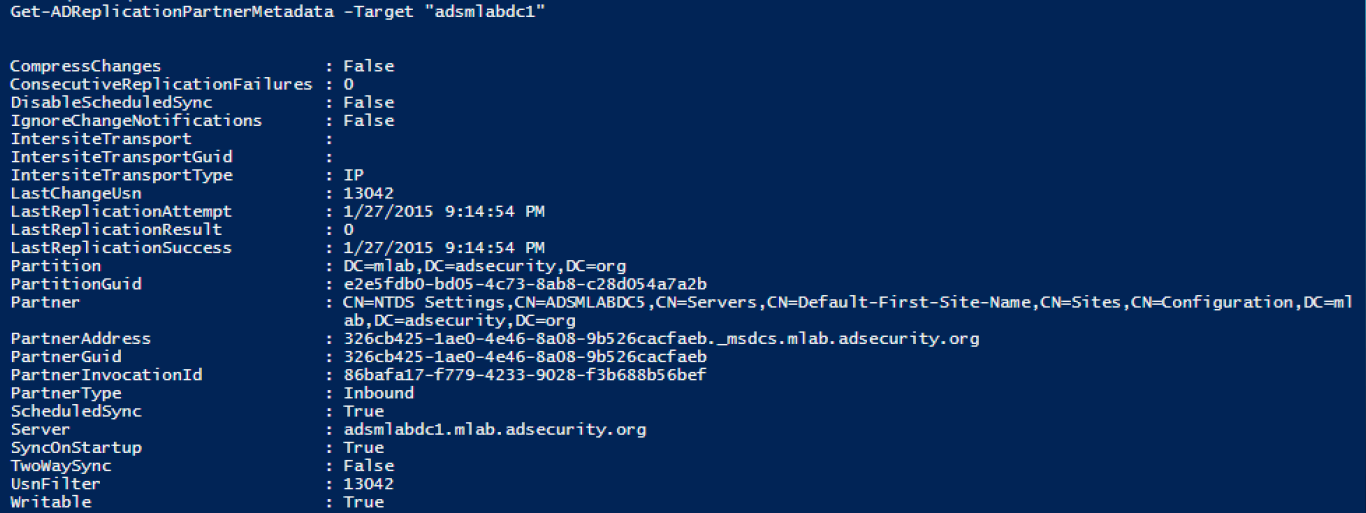
Get-ADReplicationPartnerFailure提供有关 DC 复制失败状态的信息。

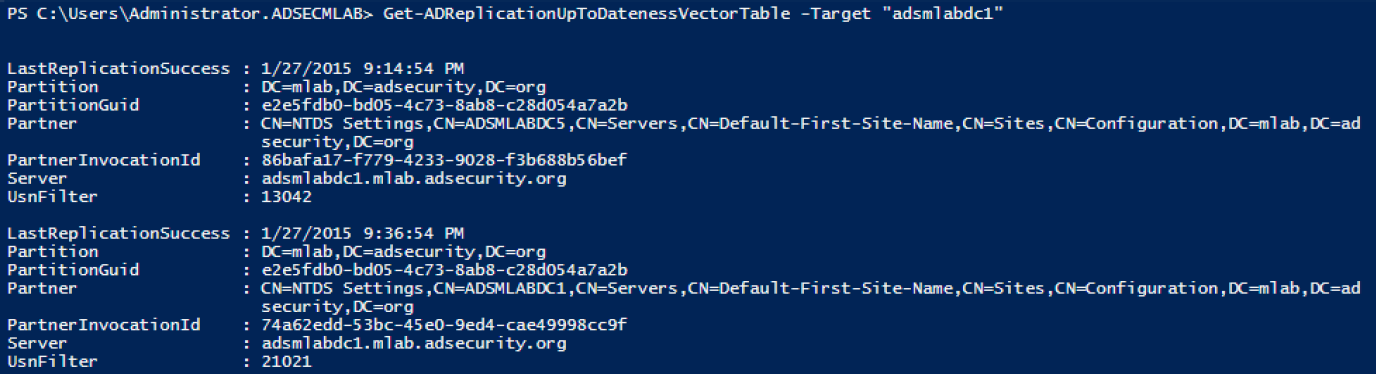
Get-ADReplicationUptodatenessVectorTable跟踪域控制器之间的复制状态。
这些示例以及更多示例在这些演示幻灯片中:http :
//adsecurity.org/wp-content/uploads/2015/04/NoVaPowerShellUsersGroup2015-ActiveDirectoryPowerShell.pdf