进入本地仓库文件夹,我的仓库名是tufujiegit,然后
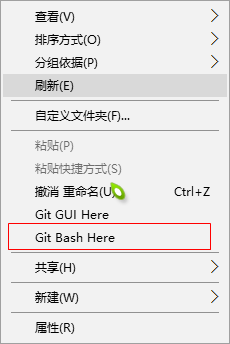
进入


将下载github中该仓库的所有文件及文件夹,包括.git文件夹在内,全部拷贝到你的本地仓库的根目录(我刚才直接在这个目录下载的,所以可以不用拷贝了)

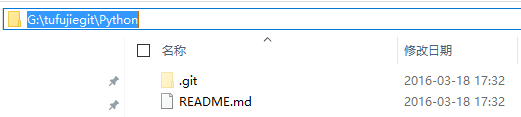
对仓库进行修改,增加或删除或修改文件或文件夹(详情请看:http://www.cnblogs.com/tufujie/p/5061878.html),之后
输入
git commit -m "changes log"
提交到本地的版本控制库里,引号里面是你对本次提交的说明信息。

如果报错
*** Please tell me who you are.
Run
git config --global user.email "you@example.com"
git config --global user.name "Your Name"
to set your account's default identity.
Omit --global to set the identity only in this repository.
则
git config --global user.email "你的邮箱"
git config --global user.name "你的名字"
// 如果远程地址中没有建立仓库,那么建立仓库
git remote add origin git@github.com:tufujie/tufujiegit.git
最后输入
git push -u origin master
如果版本库不为空,则直接git push即可
将你本地的仓库提交到你的github账号里,此时会要求你输入你的github的账号和密码。
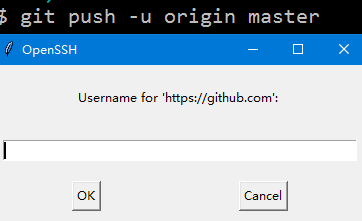

结果显示
