步骤如下:
1、资源下载 :Git-1.9.4-preview20140815.exe
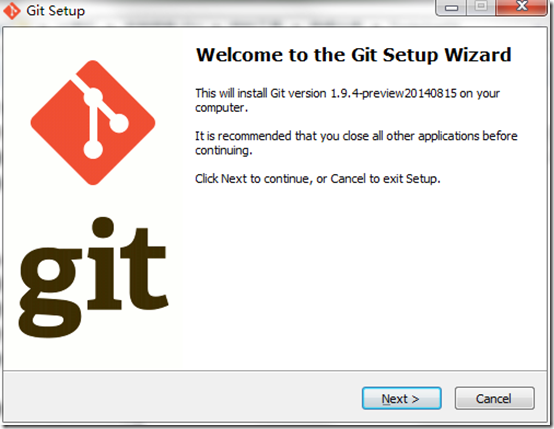
2、安装包下载完成后,双击进入安装界面,如下图:
3、两步next后选择安装目录,如下图:

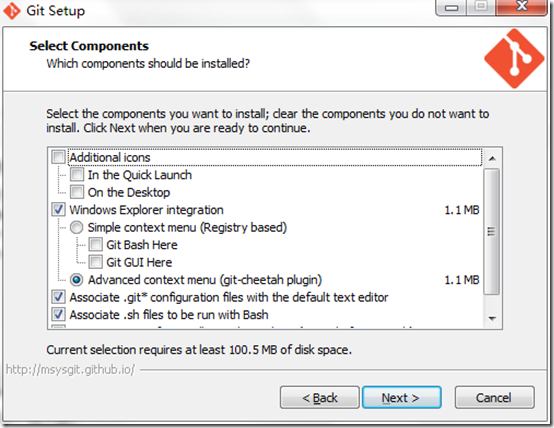
4、next进入Git安装模块选择,默认,如下图:
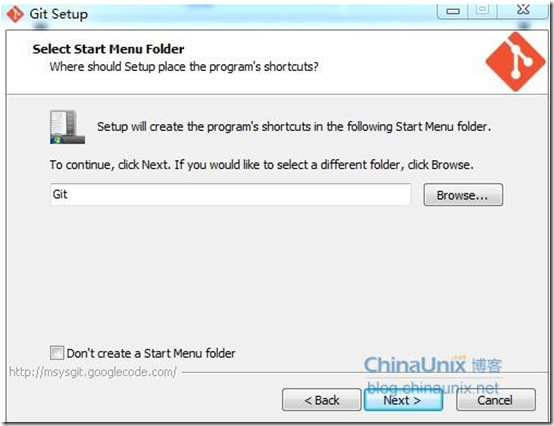
5、next进入Git setup界面,“Select start menu folder”,默认,如下图:
6、next进入Git Setup界面,“Adjusting your PATH environment”,选择默认值“Use Git from the Windows Command Prompt”,如下图所示:

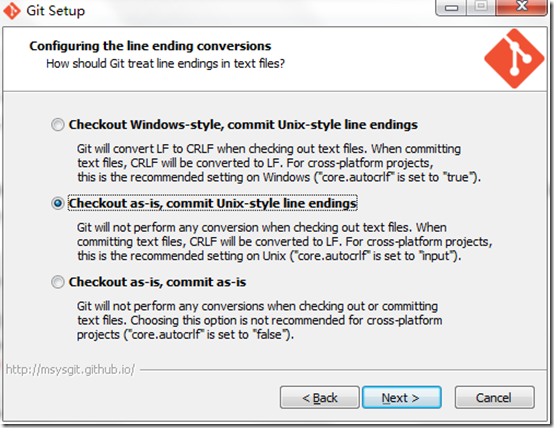
7、next进入Git Setup界面,“Configuring the line ending conversions”,选择换行格式,选择“Checkout as-is, commit Unix-style line endings”,如下图所示:
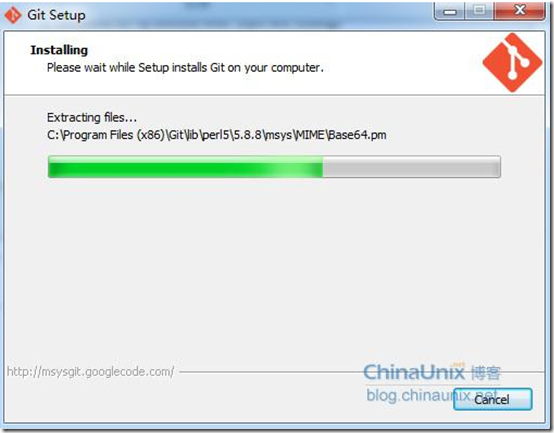
8、next进入安装界面,如下图所示:
9、安装完成后,打开Git Bash可以进入linux shell,可以使用git命令进行各种操作。