|
执行一个耗时很长的命令时,或命令耗时不确定,可以配置 iTerm2 在命令完成或失败时主动通知,而不用我们自己时不时地去检查。以下是一些获取完成通知的方式。 say可在命令后跟 示例: $ curl google.com && say done
# 指定人声
$ curl google.com && say -v Ting-Ting done
系统通知栏或者可安装对应工具以生成系统通知。 $ brew install terminal-notifier
# 示例
$ <your job/process command> && echo 'Completed' | terminal-notifier -sound default
Shell Integration不过更加推荐的做法是 Shell Integration。通过 iTerm2 的 Shell Integration 功能可对已经运行中的任务添加提示。因为大多数情况下是执行命令行,等了半天发现耗时不可控,此时添加命令完成的通知就很有用了,比如 开启方法也很简单,
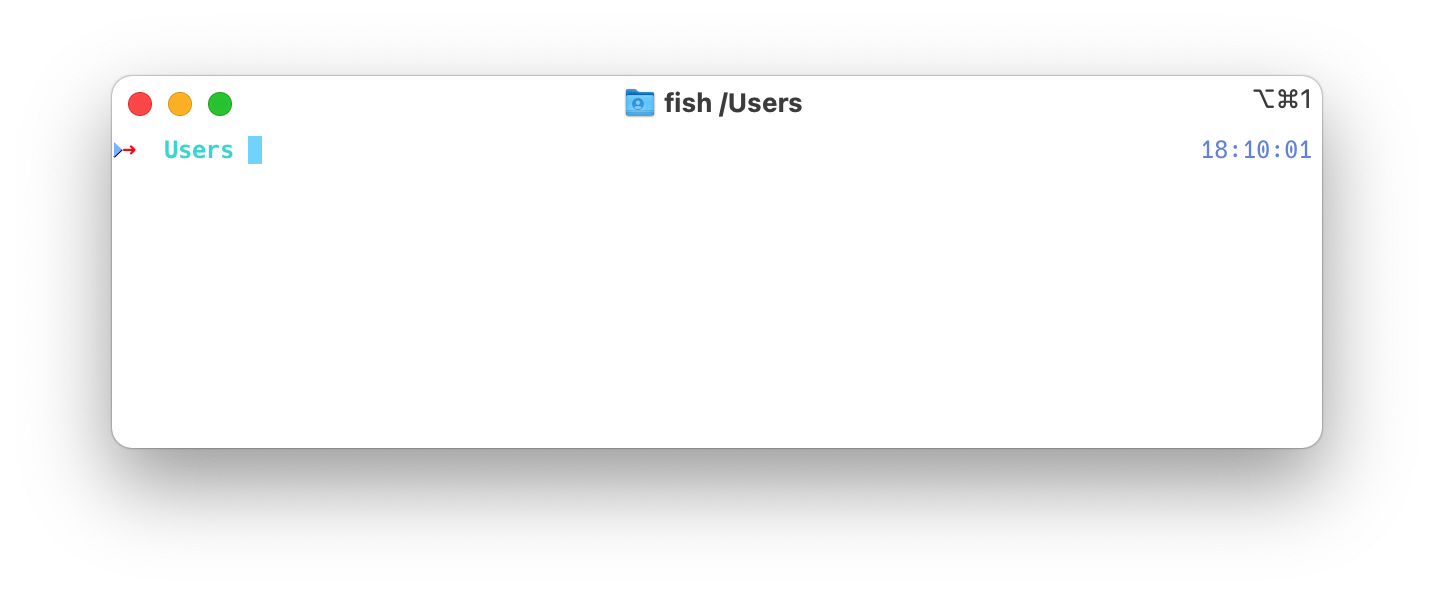
Alert on next mark 开启后右上角会有个瘆人的眼睛????图标,表示提示功能启用中。可通过快捷键快 ⌥ + ⌘ + A 快速启用或关闭。 关闭命令行左侧的三角形 ▷开启 可在 完美! 相关资源 |
|
The text was updated successfully, but these errors were encountered: |



相关文章: