11th April 2016
Filed under: Best Practices, Featured
Comments: Comments Off on Recovering stripped files when using Mercurial
If you accidentally strip a patch and do not have a backup for it, you can still recover your files using Mercurial. To recover your files:
- Open a Microsoft Windows Command Prompt window.
- Navigate to the project folder where you stripped the files.
- Run the dir
- Navigate to the .hg folder where Mercurial stores all relevant project files.
- Run the dir command again.
- Navigate to the strip-backup folder where Mercurial stores the backup bundles of stripped patches.
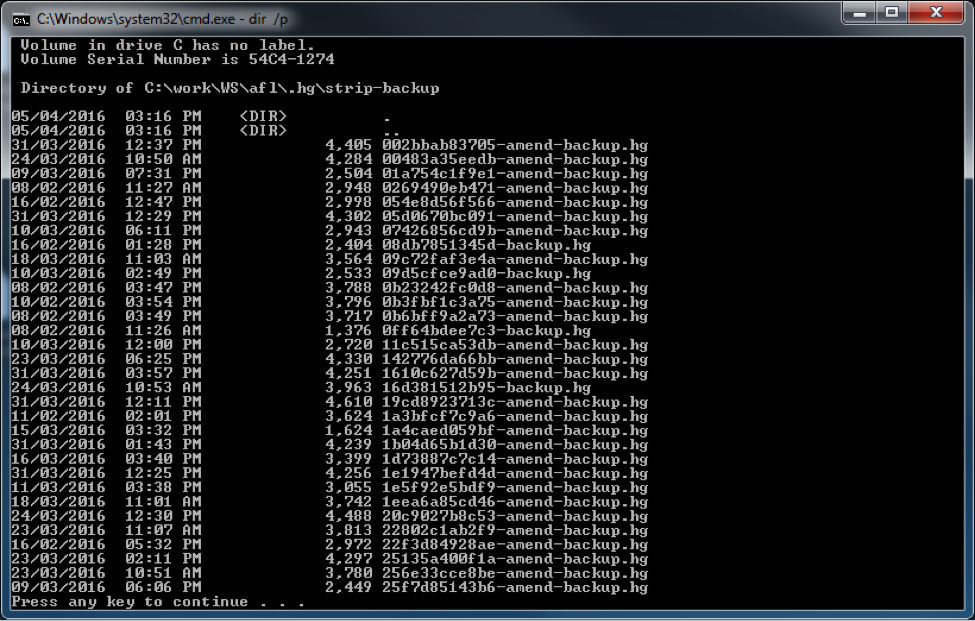
- Run the dir command again. Multiple files display in the directory that use the <hash>-hg format. They are the backup bundles of stripped patches.
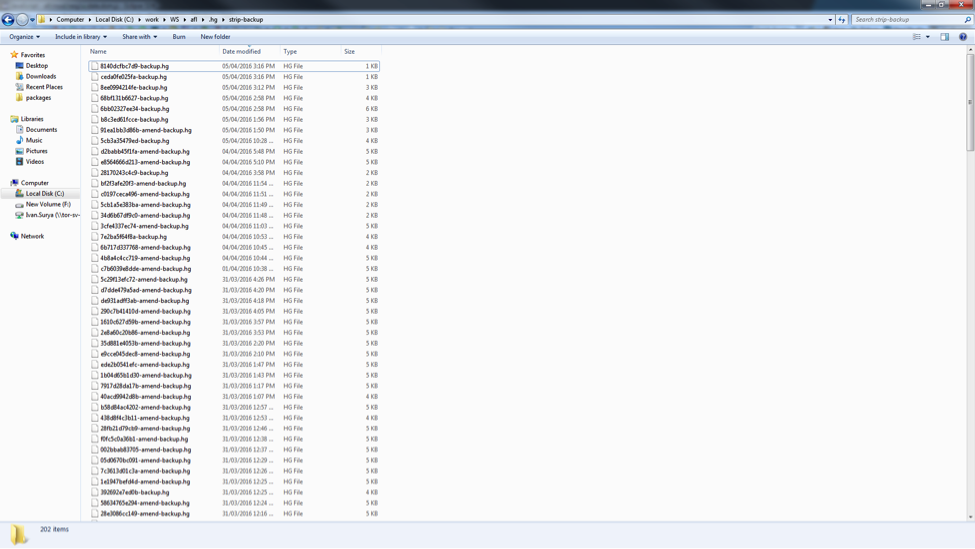
- Use Windows Explorer to find the required file. Open the strip-backup folder in Windows Explorer, and sort by Date modified descending. Unless the necessary backup bundle is already known, NexJ recommends that you restore the bundles in reverse chronological order starting from the most recent bundle.
- Navigate back to the project folder.
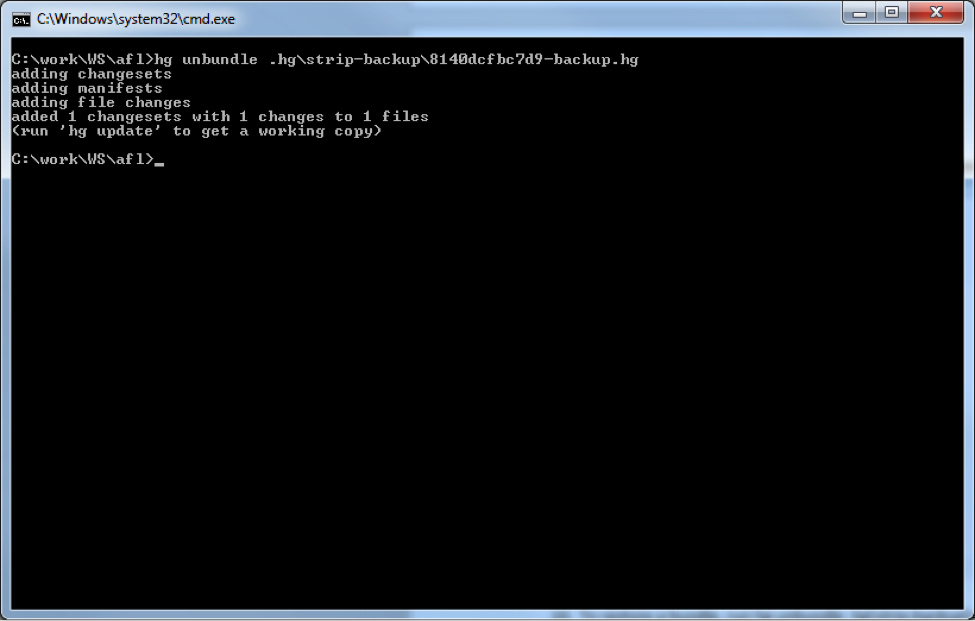
- To restore a bundle, run hg unbundle .hg\strip-backup\<bundle_file_name>. The hg executable can be found in <NexJ_Studio_installation_folder>\plugins\
nexj.oss.hgbinaries_win32_<version>\os\win32. You may want to add it to the PATH environment variable to make it accessible globally. - Synchronize the project in NexJ Studio to see the restored patch. If the restored patch is not the one needed, then continue restoring the patches in reverse chronological order until the required patch is retrieved.

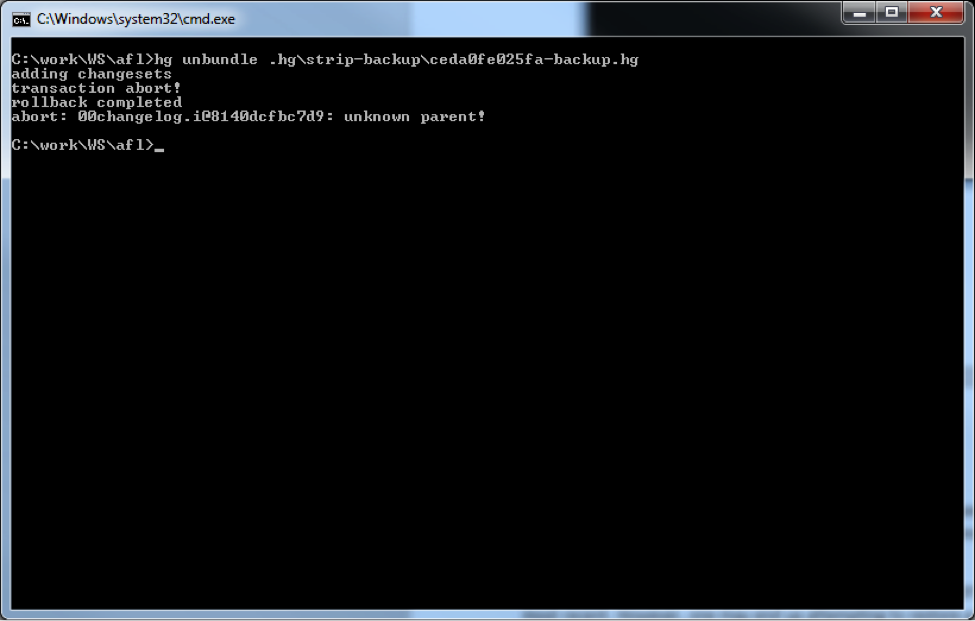
Note: You may restore the backup bundles in any order, instead of using reverse chronological order. However, it may not be safe to do so. You may end up attempting to restore a backup bundle, which has a dependency on another backup bundle that has not been restored. In this case, you will get an error.
转载于:https://my.oschina.net/yukong/blog/884424