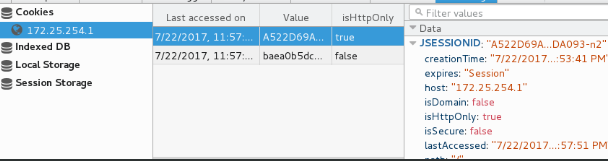
1.安装jdk
tar zxf jdk-7u79-linux-x64.tar.gz -C /usr/local/
cd /usr/local/
ln -s jdk1.7.0_79/ java

vim /etc/profile

source /etc/profile
测试

2.安装TOMCAT
tar zxf apache-tomcat-7.0.37.tar.gz -C /usr/local/
cd /usr/local/
ln -s apache-tomcat-7.0.37/ tomcat
cd /usr/local/tomcat/bin
./startup.sh
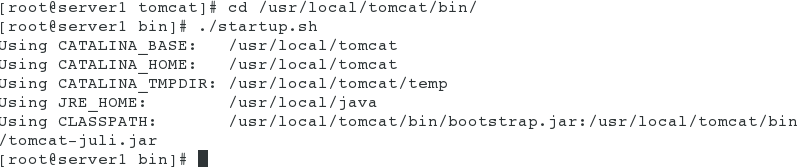
测试

3.TOMCAT+NGINX
vim /usr/local/lnmp/nginx/conf/nginx.conf


nginx -s reload
/etc/init.d/php-fpm start
测试
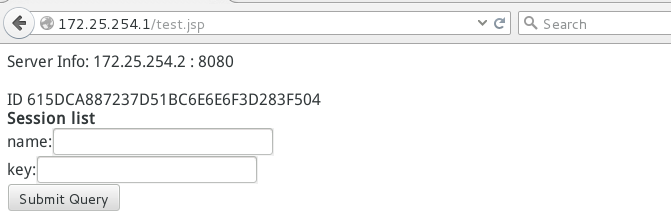
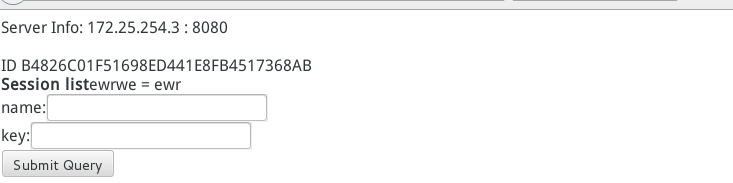
4. <T1> <T2> tomcat 和memcache 两台虚拟机做相同操作
. \ / .
. X .
. / \ .
<M1> <M2>
* yum install memcached
/etc/init.d/memcached start


rm -fr memcached-session-manager-tc6-1.6.3.jar

* vim /usr/local/tomcat/conf/context.xml ##另一台主机failoverNodes 改为n2

* cd /usr/local/tomcat/bin/ ##重启Tomcat
./shutdown.sh
./startup.sh
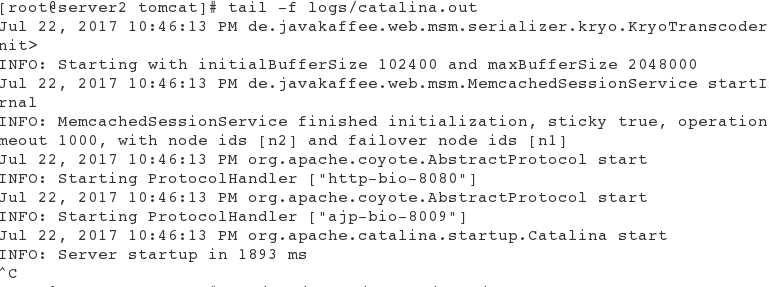
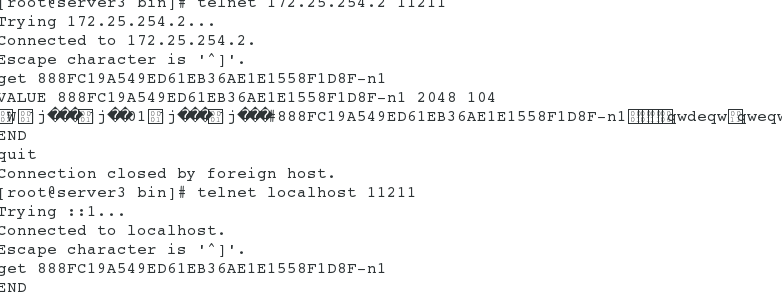
测试
tail -f logs/catalina.out
5.Sticky
* tar -zxf nginx-goodies-nginx-sticky-module-ng-c78b7dd79d0d.tar.gz
./configure --prefix=/opt/nginx --user=nginx --group=nginx --with-threads --with-file-aio --with-http_ssl_module --with-http_stub_status_module --add-module=/root/nginx-goodies-nginx-sticky-module-ng-c78b7dd79d0d.tar.gz
833 ./configure --prefix=/opt/nginx --user=nginx --group=nginx --with-threads --with-file-aio --with-http_ssl_module --with-http_stub_status_module --add-module=/root/nginx-goodies-nginx-sticky-module-ng-c78b7dd79d0d
make
make install ##安装nginx和sticky模块

* vim /opt/nginx/conf/nginx.conf


* ./nginx start
测试