1.修改WEB-INF/deployerConfigContext.xml
|
1
2
3
4
|
<bean id="proxyAuthenticationHandler"
class="org.jasig.cas.authentication.handler.support.HttpBasedServiceCredentialsAuthenticationHandler"
p:httpClient-ref="supportsTrustStoreSslSocketFactoryHttpClient"
p:requireSecure="false" />
|
在p:httpClient-ref="supportsTrustStoreSslSocketFactoryHttpClient"后
增加p:requireSecure="false"
2.修改WEB-INF/spring-configuration/ticketGrantingTicketCookieGenerator.xml
|
1
2
3
4
5
6
|
<bean id="ticketGrantingTicketCookieGenerator" class="org.jasig.cas.web.support.CookieRetrievingCookieGenerator"
c:casCookieValueManager-ref="cookieValueManager"
p:cookieSecure="false"
p:cookieMaxAge="-1"
p:cookieName="TGC"
p:cookiePath=""/>
|
将p:cookieSecure="true"修改为p:cookieSecure="false"
3.修改WEB-INF/spring-configuration/warnCookieGenerator.xml
|
1
2
3
4
5
6
|
<bean id="warnCookieGenerator" class="org.jasig.cas.web.support.CookieRetrievingCookieGenerator"
p:cookieHttpOnly="false"
p:cookieSecure="false"
p:cookieMaxAge="-1"
p:cookieName="CASPRIVACY"
p:cookiePath=""/>
|
将p:cookieSecure="true"修改为p:cookieSecure="false"
4.修改注册服务WEB-INF/classes/services/HTTPSandIMAPS-10000001.json
将"serviceId" : "^(https|imaps)://.*"修改为"serviceId" : "^(https|http|imaps)://.*"
5.测试HTTP/HTTPS
http://192.168.10.102:8080/cas/login?service=http://www.a.com
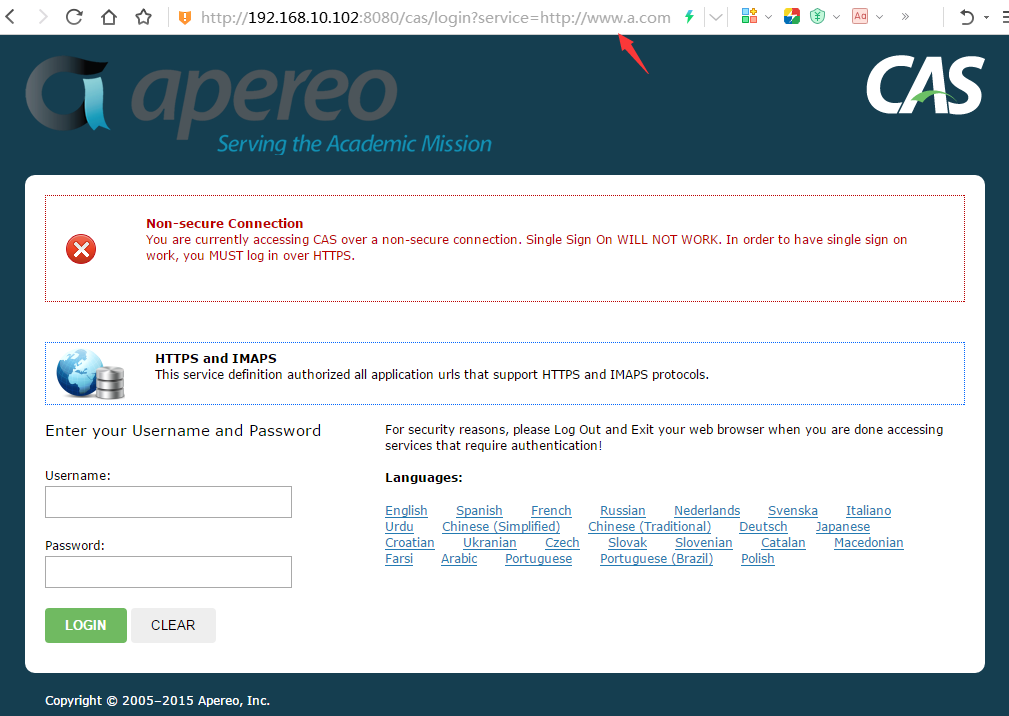
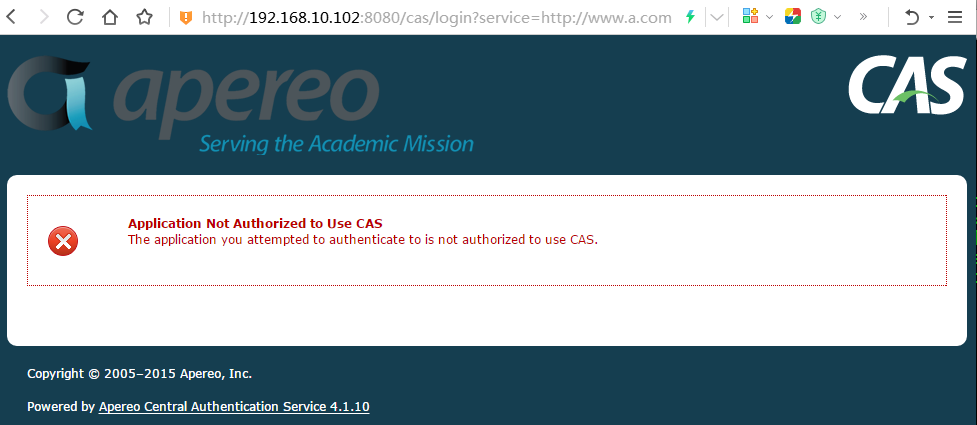
网上很多资料只提示修改前面3个配置,却没有更改注册服务配置,所以就会出现
Application Not Authorized to Use CAS
The application you attempted to authenticate to is not authorized to use CAS.
本文转自 rong341233 51CTO博客,原文链接:http://blog.51cto.com/fengwan/1876603