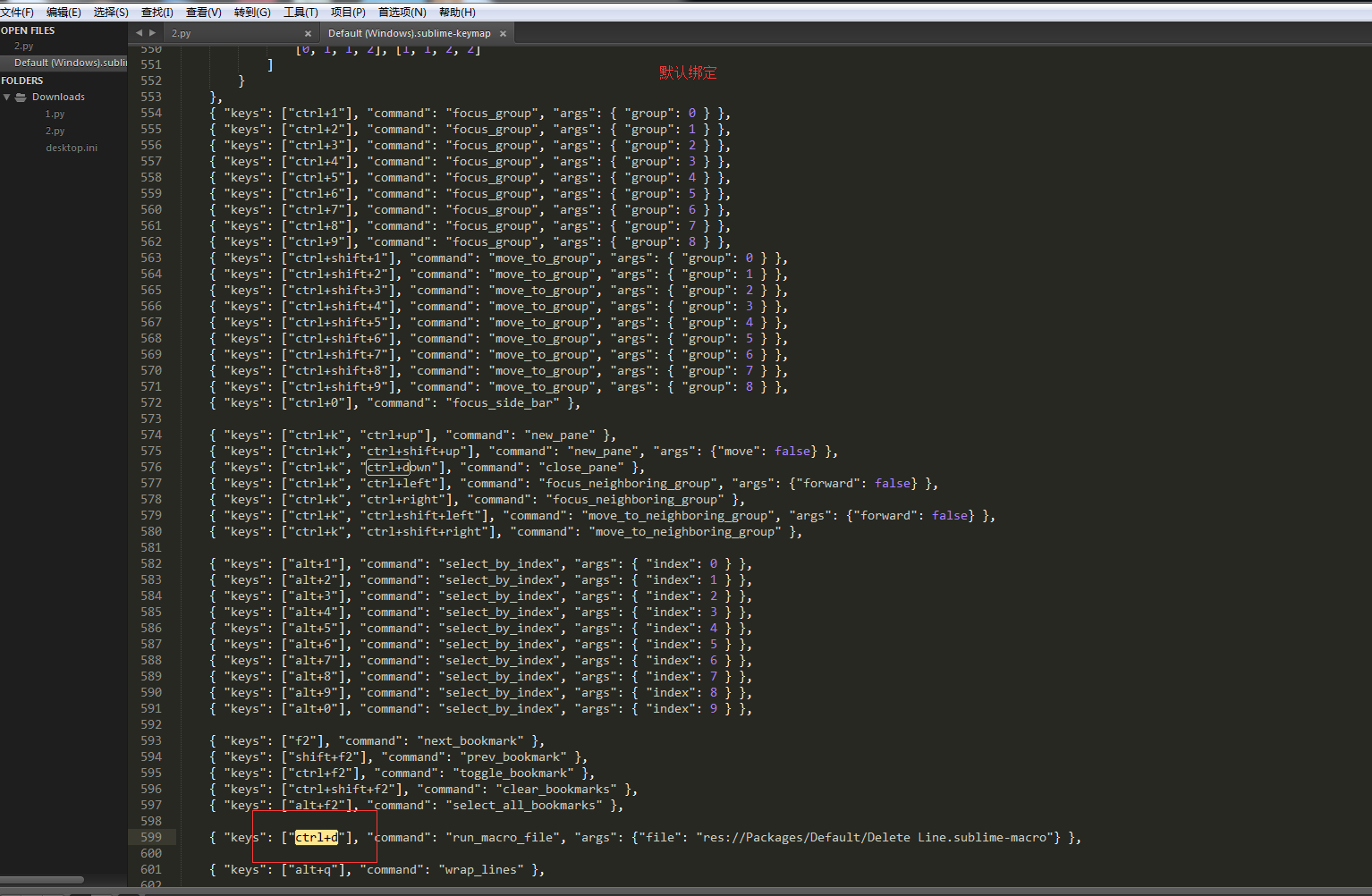
(1)推荐用户绑定:
不要使用默认绑定 ,默认绑定方便查找对比org
(2)运行py
ctrl+B
(3)用户绑定直接重写:
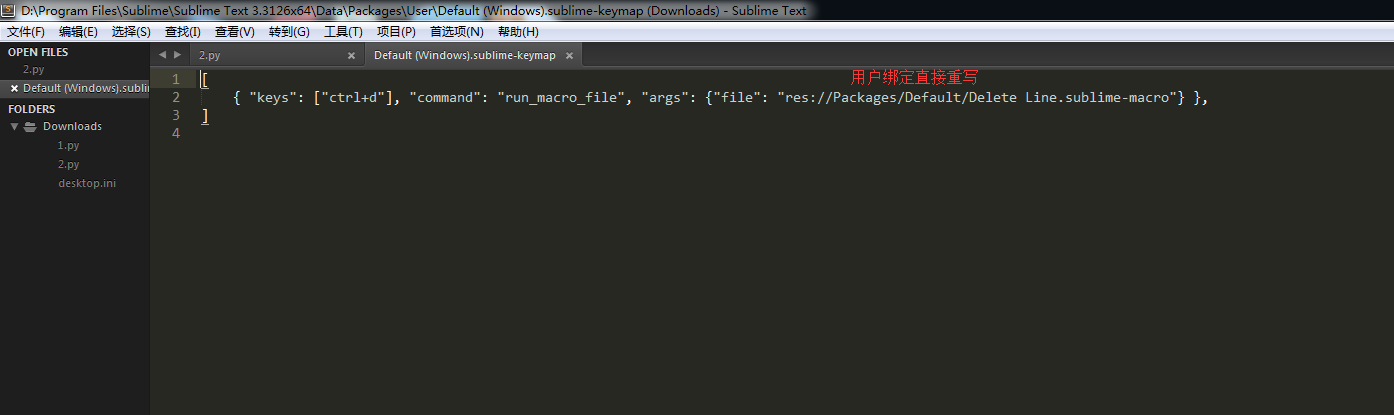
用户绑定如下:
[
{ "keys": ["ctrl+d"], "command": "run_macro_file", "args": {"file": "res://Packages/Default/Delete Line.sublime-macro"} },
{ "keys": ["ctrl+down"], "command": "duplicate_line" },
{"keys": ["alt+l"],"command": "toggle_setting","args":{"setting": "line_numbers"}},
]
(6)绿色免安装包要放在如下路径,不然打开方式加载不到:
D:\Program Files\Sublime Text 3.3126x64