问题:
Dell R820服务器前排面板上提示: “cpu0000 cpu1internal error (IERR) contact support ”,
有可能会导致服务器死机或者重启或无法正常启动,是因为CPU节能设置,需要在BIOS中关闭该设置。
解决办法-步骤:
1、服务器关机,并断掉点源;
2、按住电源键20秒,等待1分钟左右;
3、接通电源,开机;
4、开机后再dell图标出来的时候按下F2,进入BIOS设置;
5、system Setup - System BIOS ,选择 system profile Settings,进入后将右边的 Performance Per Watt(DAPC)改为 Custom;
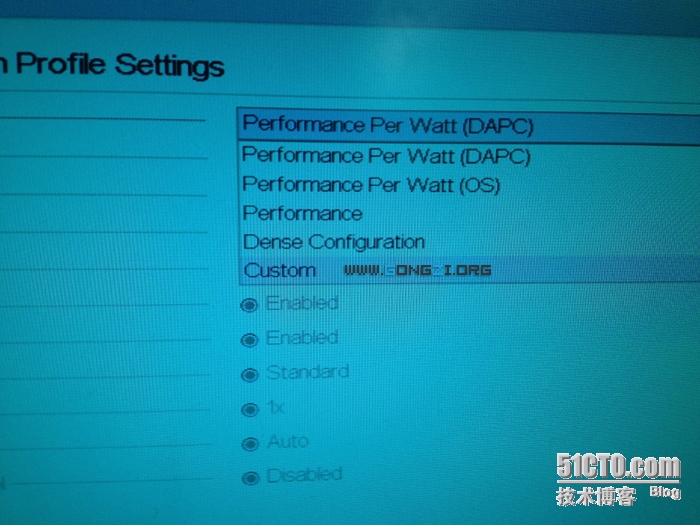
6、然后可发现,下方的其他选项变为可选;
7、将 CIE 和 C States 选项改成 Disabled ;

8,ESC返回保存设置,重启服务器。
转载于:https://blog.51cto.com/liulihuan/1641742