Welcome to the second part of this series on “Reverse Engineering android applications”. To read an overview of the series, refer to the serious announcement blog post.
In first part, we learnt how to install Androguard and basic commands to decompile and analyse the apk. In this part, we will check some more features of Androguard and will see in deep analysis and will perform more Reverse Engineering on an APK.
We will explore and talk about usage of below tools in this part:
- Androaxml
- Androsim
- Androdd
- Apkviewer
- Androapkinfo
1. Androaxml
Viewing AndroidManifest.xml is most important part of reverse engineering. Using Androaxml tool of Androguard, we can easily fetch the AndroidManifest.xml file. It actually converts android’s binary XML (i.e. AndroidManifest.xml file) into the classic XML file, that is human readable.
Simply run this command:
|
1
|
./androaxml.py
-i <path_of_apk>  -o <name_of_output_file> </code>
|
In our case, we have RTU-info.apk and output.xml will be output file generated, contains Manifest.xml.
|
1
|
./androaxml.py
-i RTU-Info.apk  -o output.xml
|
This is our output.xml file:

2. Androsim
To compare two apk files
Comparing genuine applications and modified applications containing malware is a also a part of Reverse Engineering. Let’s explore how we can compare two apk files, using Androsim script that comes out of box from Androguard.
So the purpose of this tool is to get the similarities between two applications.
Prerequisites of Androsim:
- For Windows Directly download executable file Androsim.exe and run this tool to compare.
- For Linux users, make sure this packages are installed in your system.
For Windows:
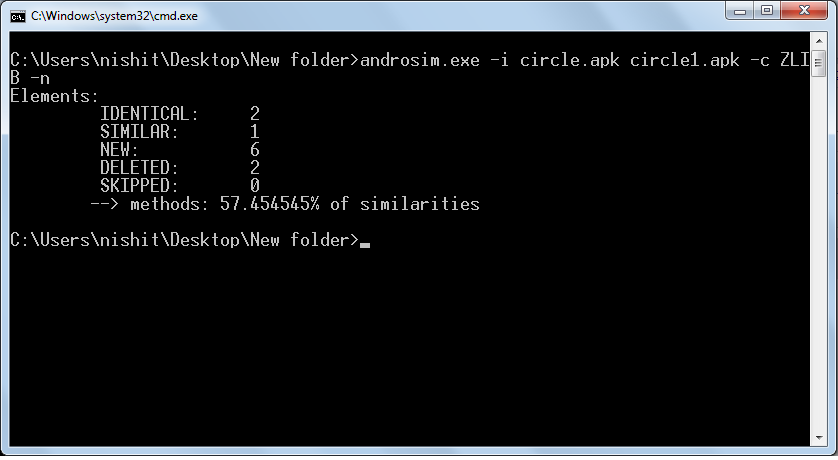
In case of windows user, after downloading, navigate to the folder containing androsim.exe and run this command:
|
1
|
androsim.exe
-i <path_of_first_apk> <path_of_second_apk> -c ZLIB -n
|
In this case, we have used two apk files of circle.apk & circle1.apk and both are in same folder as androsim.exe:
|
1
|
androsim.exe
-i circle.apk circle1.apk -c ZLIB -n
|
For Linux:
In case of Linux users, navigate to androguard folder and run this command to check similarities between two apks: Circle and Circle1
|
1
|
python
androsim.py -i circle.apk circle1.apk -c ZLIB -n
|

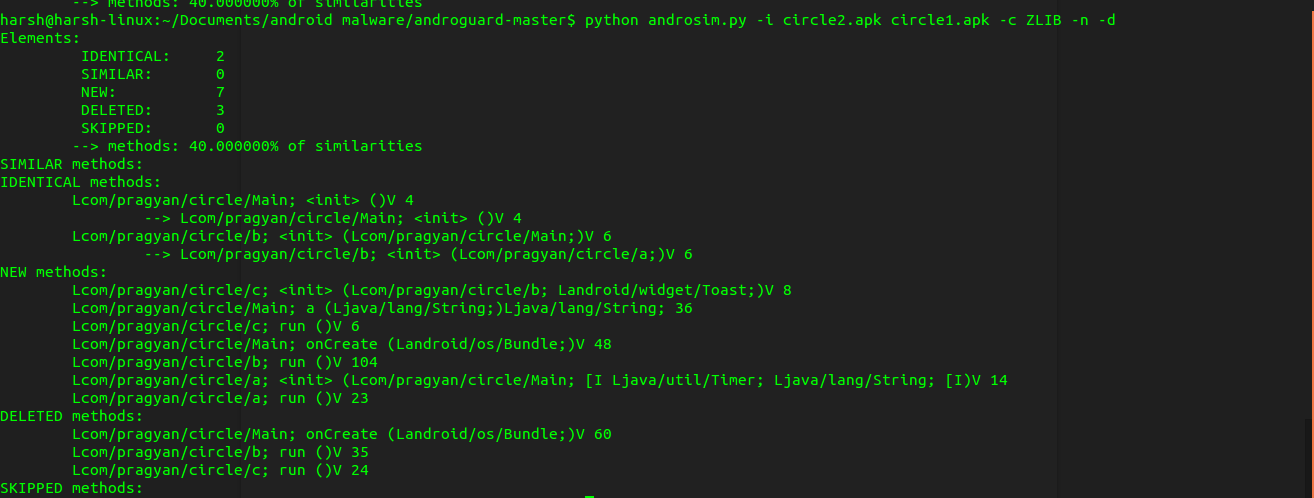
This tool helps to detected Identical, Similar, New, Deleted, Skipped methods. And also score from 0 to 10 scale is shown showing % of similarities.
- -c specifies the type of compressor (BZ2, ZLIB, SNAPPY, LZMA, XZ).
- -d can be used to display methods name as output.
|
1
|
python
androsim.py -i circle.apk circle1.apk -c ZLIB -n -d
|
3. Androdd
Dump all methods of all class files in an Android Package
To dump graphical outputs of all methods of all the classes in an android package, we use Androdd.py tool which comes out of box in Androguard.
Prerequisites of Androdd:
For windows/Linux, make sure this package is installed in your system.
Navigate to Androguard folder and run androdd.py file with input file and output folder arguments.
|
1
|
./androdd.py
-i <path_of_apk> -o <path_of_output_directory>
|
In this tutorial we have “circle.apk” a demo input app and “dd” as output directory.
|
1
|
python
androdd.py -i circle2.apk -o ./dd
|
OR
|
1
|
./androdd.py
-i circle2.apk -o ./dd
|
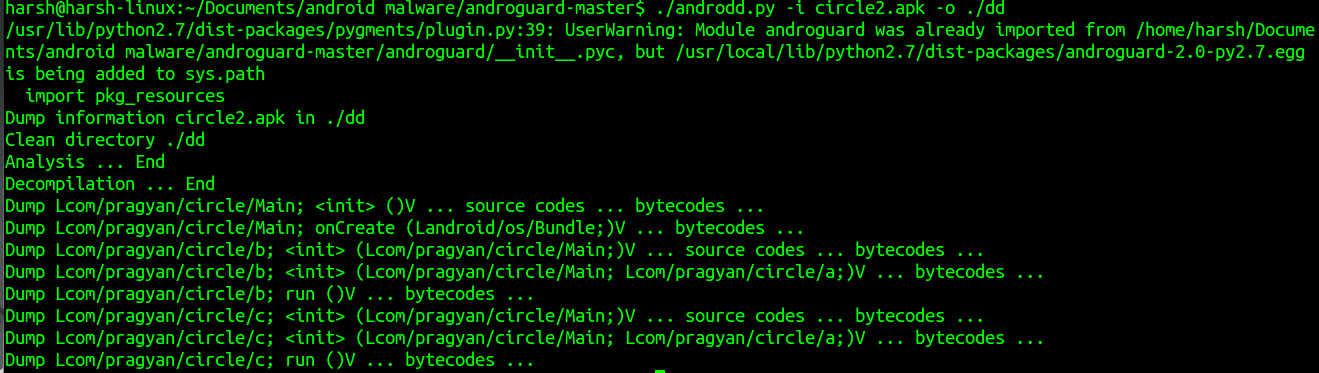
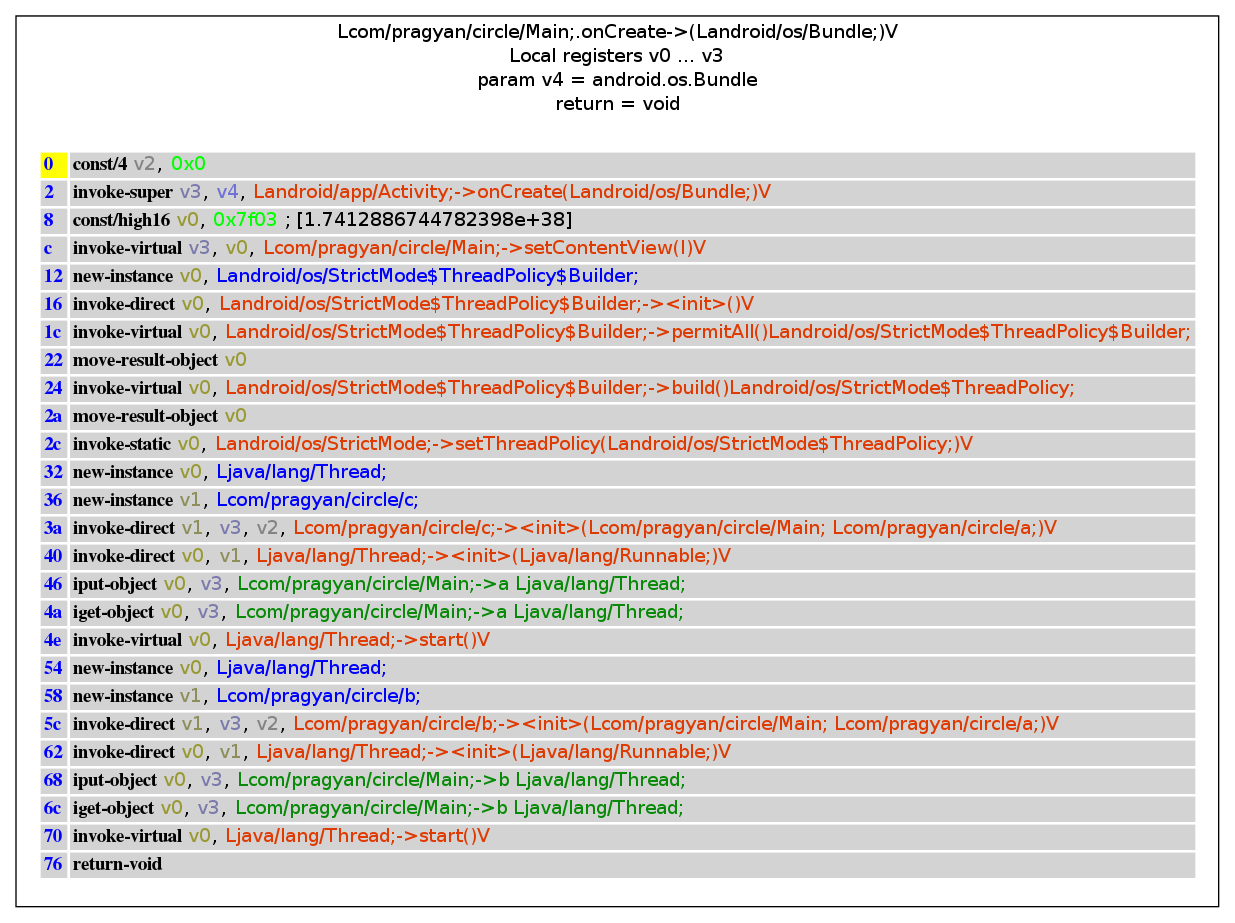
Now check out dd directory, graphical output of all methods will be generated as a .ag file, along with all java files. If we want output graphics file in .png format, just pass -f png as argument.
|
1
|
python
androdd.py -i circle2.apk -o ./dd -f png
|
OR
|
1
|
./androdd.py
-i circle2.apk -o ./dd -f png
|
This is sample graphical file that shows all methods of a class Main
4. Apkviewer
To iew control flow in terms of mathematical graphs
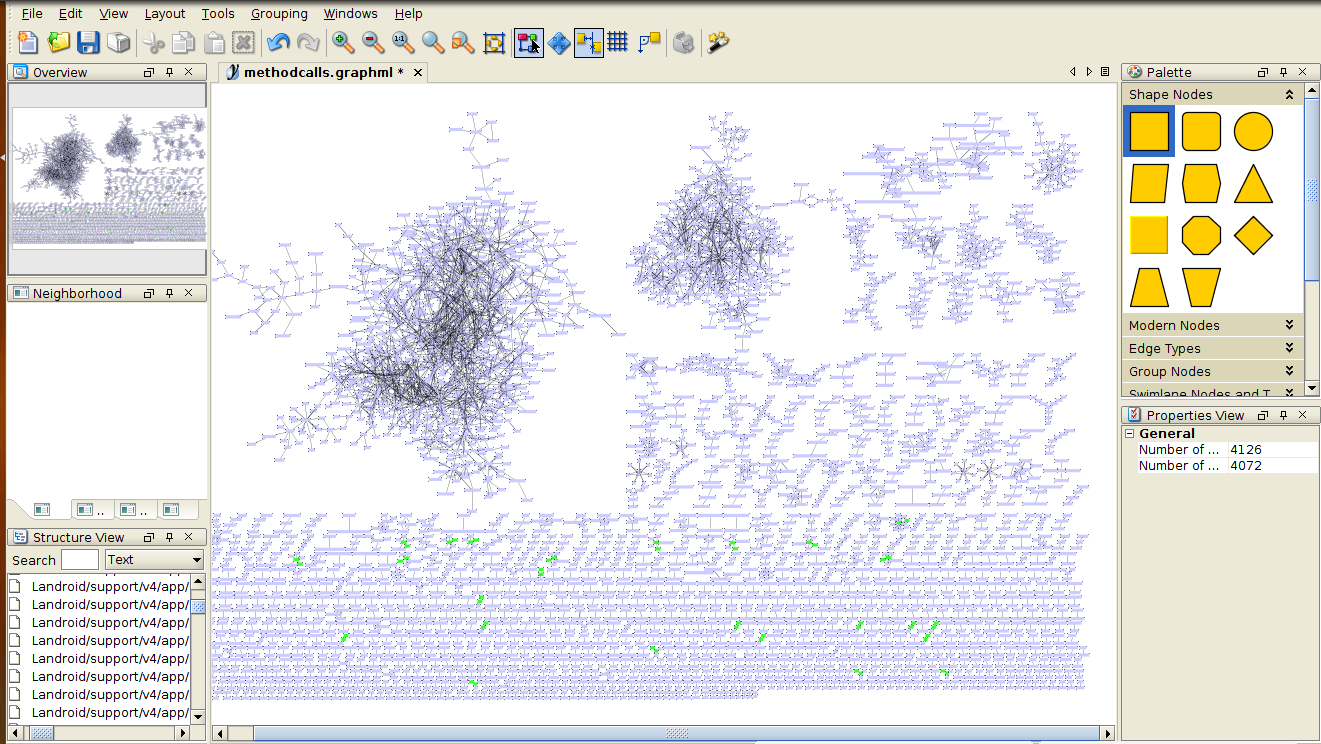
GraphML is an XML format, used to display mathematical graphs and nodes. More about GraphML can be found on Openthefile.
Download Gephi or yED to view GraphML generated by ApkViewer tool.
Prerequisites of APKViewer:
Make sure this packages are installed in your system.
|
1
|
python
apkviewer -i <path_of_first_apk> -o <path_to_output_folder>
|
We have RTU-info as input app and viewer as output directory to store all generated GraphML files.
|
1
|
python
apkviewer -i RTU-info.apk -o viewer
|
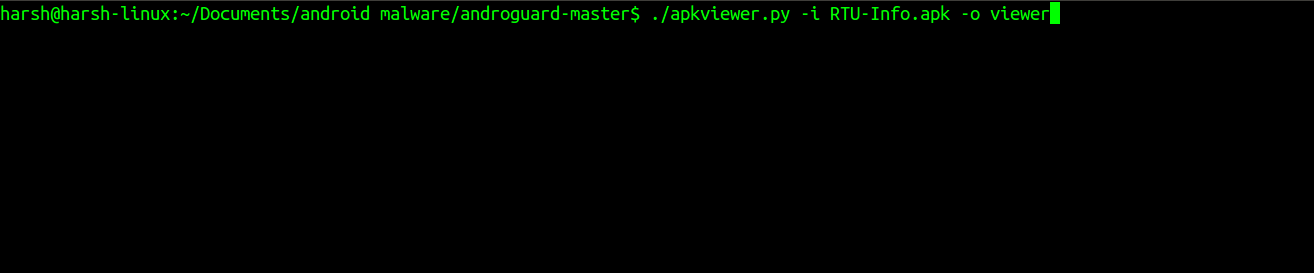
Inside the output folder, we will find 2 GraphML files, open those files in Graph Editor. You can open “methodcalls.graphml” in yED graph Editor. It shows all method calls in a graphical way.
5. Androapkinfo
Displays complete information about apk file
Androapkinfo displays Files, Permissions, Main Activity, All Activities, Services, Obfuscation related information at once! This tool is same as the Androlyze tool, for which we talked about in Part 1, provided this displays all information at one go!
|
1
|
python
androapkinfo.py -i <path_of_first_apk>
|
OR
|
1
|
./androapkinfo.py
-i <path_of_first_apk>
|

In Summary
This bring us to the end of this part and this bring us to the completion of the tutorial on Androguard. In this part, we explored about the usage of different tools of Androguard like Androaxml, Androsim(To compare two apk files), Androdd(Dump all methods of all class files in an Android Package), Apkviewer (To iew control flow in terms of mathematical graphs) and Androapkinfo.
We shall talk about reverse engineering using other tools in next part. Till than play with Androguard and perform reverse engineering on some of the malicious APKs. See you in next part!