环境:
WIN10
VS2015
1、下载
登陆boost的官网: http://www.boost.org/
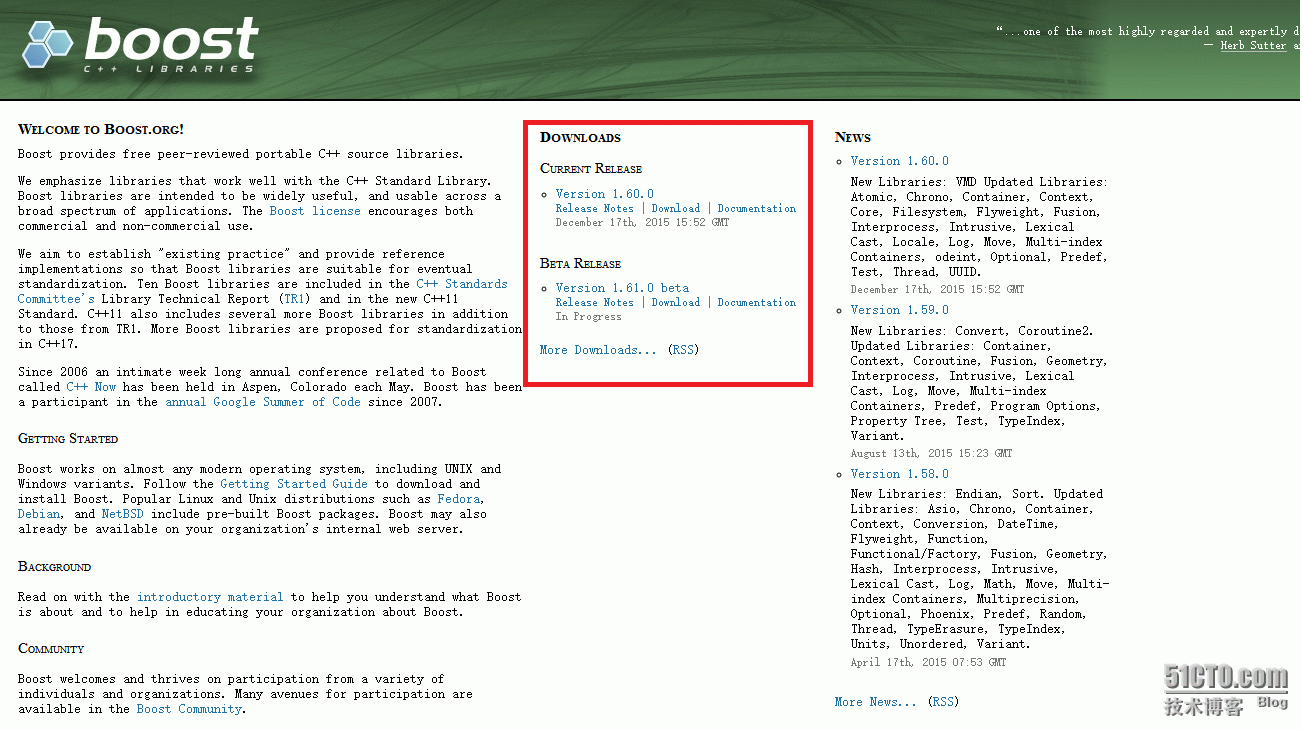
下载完成后解压(这里我解压到了E:\boost)

2、编译
打开“VS2015开发人员命令提示”

注意,如果打开出现
cannot determine the location of the vs common tools folder
解决方法:在path环境变量中,添加 C:\Windows\System32即可
如下图

然后,用cd命令进入boost解压后的目录,然后执行bootstrap.bat

执行完成后
输入
bjam stage --toolset=msvc-9.0 --without-python --stagedir="这里输入boost的根目录" link=static runtime-link=shared runtime-link=static threading=multi debug release
(直接复制,然后修改双引号里面的内容即可)
很慢,耐心等
转载于:https://blog.51cto.com/zhweizhi/1760312