Nginx的2种用途
静态内容的web服务器;
反向代理服务器;
Nginx作为反向代理的特点
接收用户请求是异步的,即先将用户请求全部接收下来,再一次性发送后后端web服务器,极大的减轻后端web服务器的压力;
nginx代理和后端web服务器间无需长连接;
发送响应报文时,是边接收来自后端web服务器的数据,边发送给客户端的;
涉及的模块
Proxy:标准的HTTP模块,实现反向代理功能
Upstream:标准的HTTP模块,对后端web服务器调度做负载均衡功能;
FastCGI:标准HTTP模块,将php动态请求代理至后端PHP服务器;
配置部署
说明:本篇中,Nginx负责静态访问处理,动态访问将会被代理至后端PHP服务器;

# vi  /etc/nginx/nginx.html
worker_processes  2;
pid    /var/run/nginx.pid;
events {
    worker_connections  1024;
}
http {
    include       mime.types;
    default_type  application/octet-stream;
    log_format  main  '$remote_addr - $remote_user [$time_local] "$request" '
                      '$status $body_bytes_sent "$http_referer" '
                      '"$http_user_agent" "$http_x_forwarded_for"';
    sendfile        on;
    keepalive_timeout  65;
    upstream backend {
        server    172.16.25.112:9000;
    }
    server {
        listen          80;
        server_name     xxrenzhe.lnmmp.com;
        access_log/var/log/nginx/lnmmp.access.log;
        error_log/var/log/nginx/lnmmp.errors.log notice;
        root           /www/lnmmp.com;
        location / {
            try_files $uri @missing; # 先访问本地的静态资源,若失败,则转入missing处理块;
        }
        location @missing {
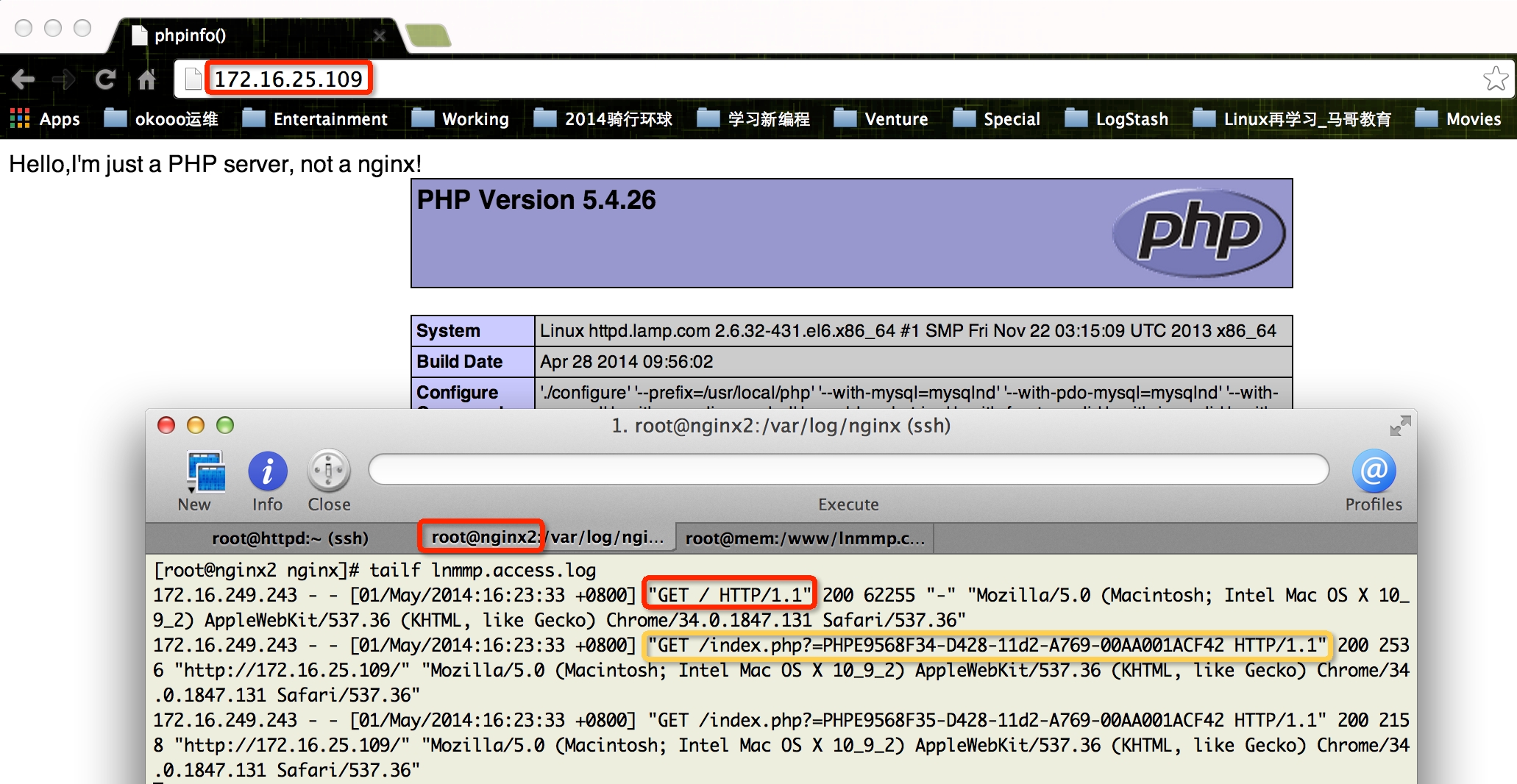
            rewrite ^(.*[^/])$ $1/ permanent; # 直接访问域名或IP地址时,在其后增加结尾符/,并返回301
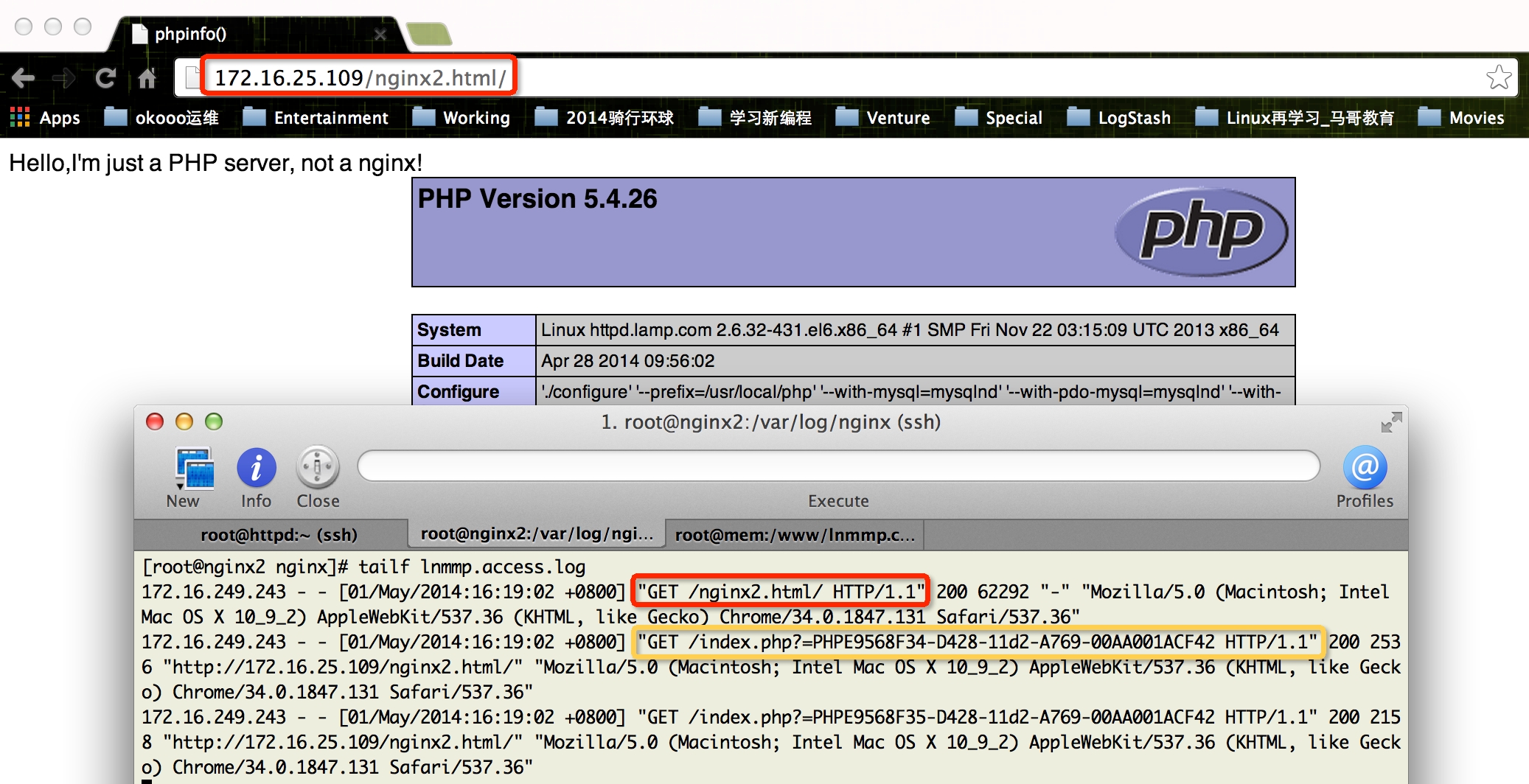
            rewrite ^ /index.php last; # 将始终无法访问到的资源(如404错误),全部重定向至首页
        }
        # 禁止system目录访问,但允许指定类型的静态文件访问
        location ~* ^/system/.+\.(jpg|jpeg|png|gif|css|js|swf|flv|ico)$ {
            expires max;
            tcp_nodelay off;
            tcp_nopush on;
        }
        # 访问/system/时,则直接跳转回首页
        location ~ /system/ {
            rewrite ^ /index.php last;
        }
        location ~* \.php$ {
            default_type text/html;
            charset      utf-8;
            fastcgi_pass backend;
            fastcgi_index index.php;
            fastcgi_param SCRIPT_FILENAME $document_root$fastcgi_script_name;
            include fastcgi_params;
        }
    }
}
访问验证
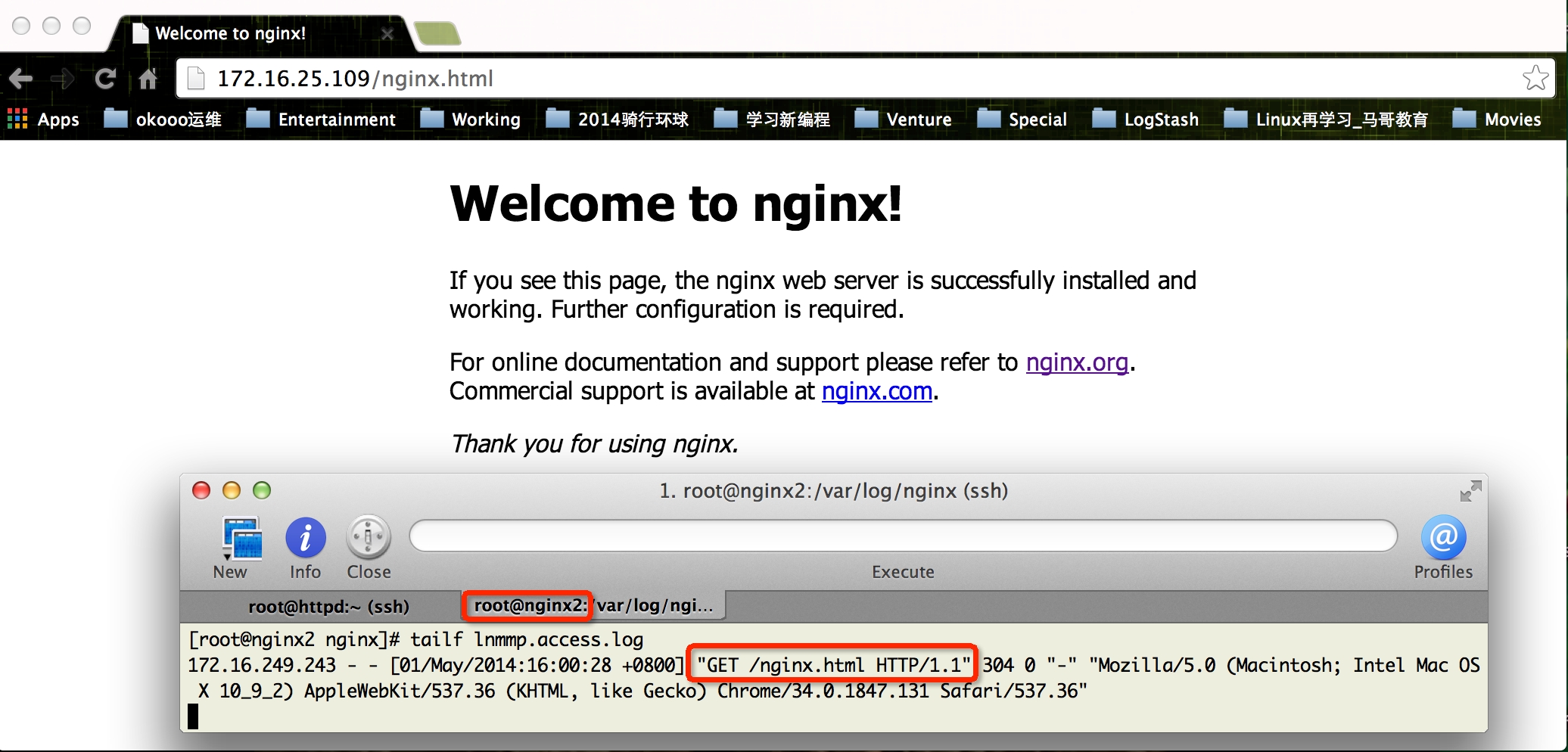
静态文件访问由nginx直接返回
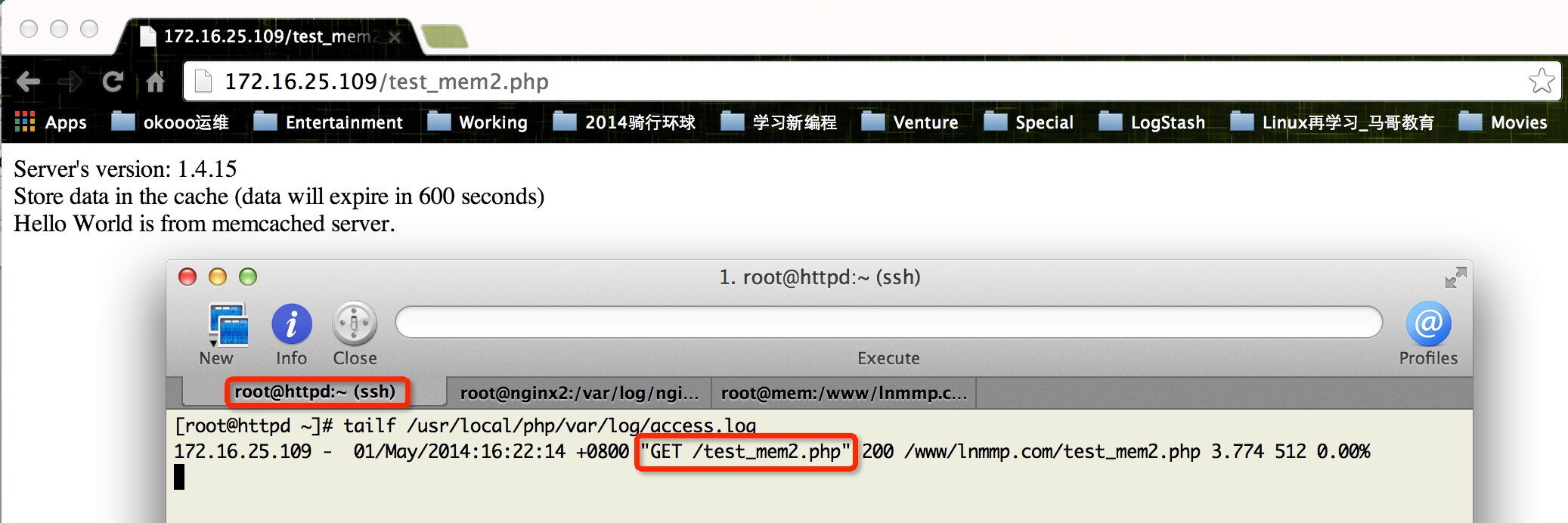
访问动态文件时转入后端php服务器
直接访问域名或IP地址时跳转至主页
不存在文件访问跳转至主页
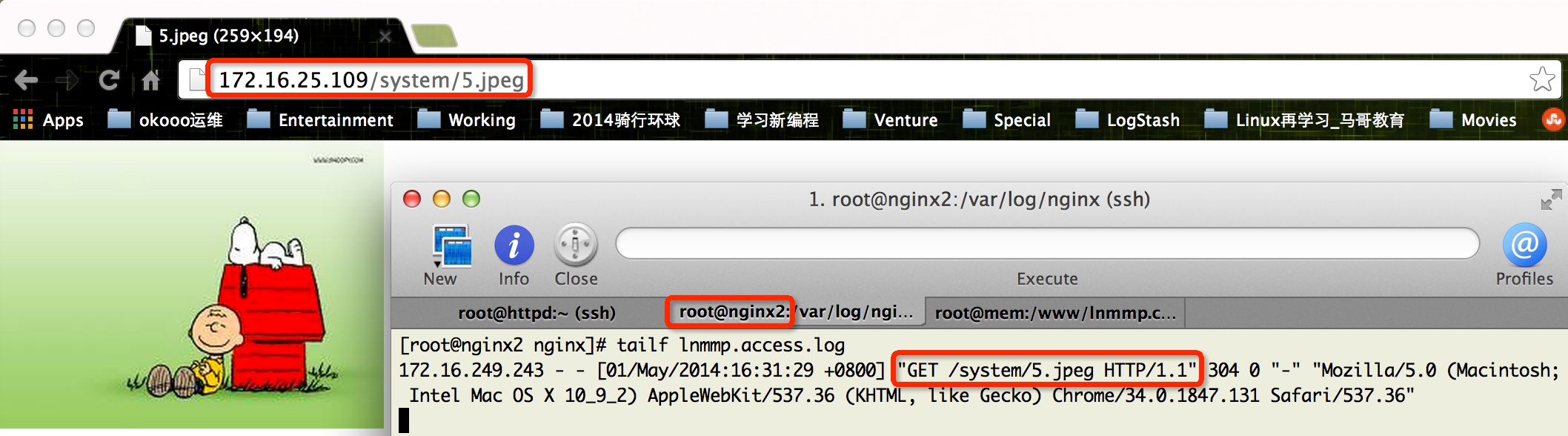
访问system目录下的静态文件正常
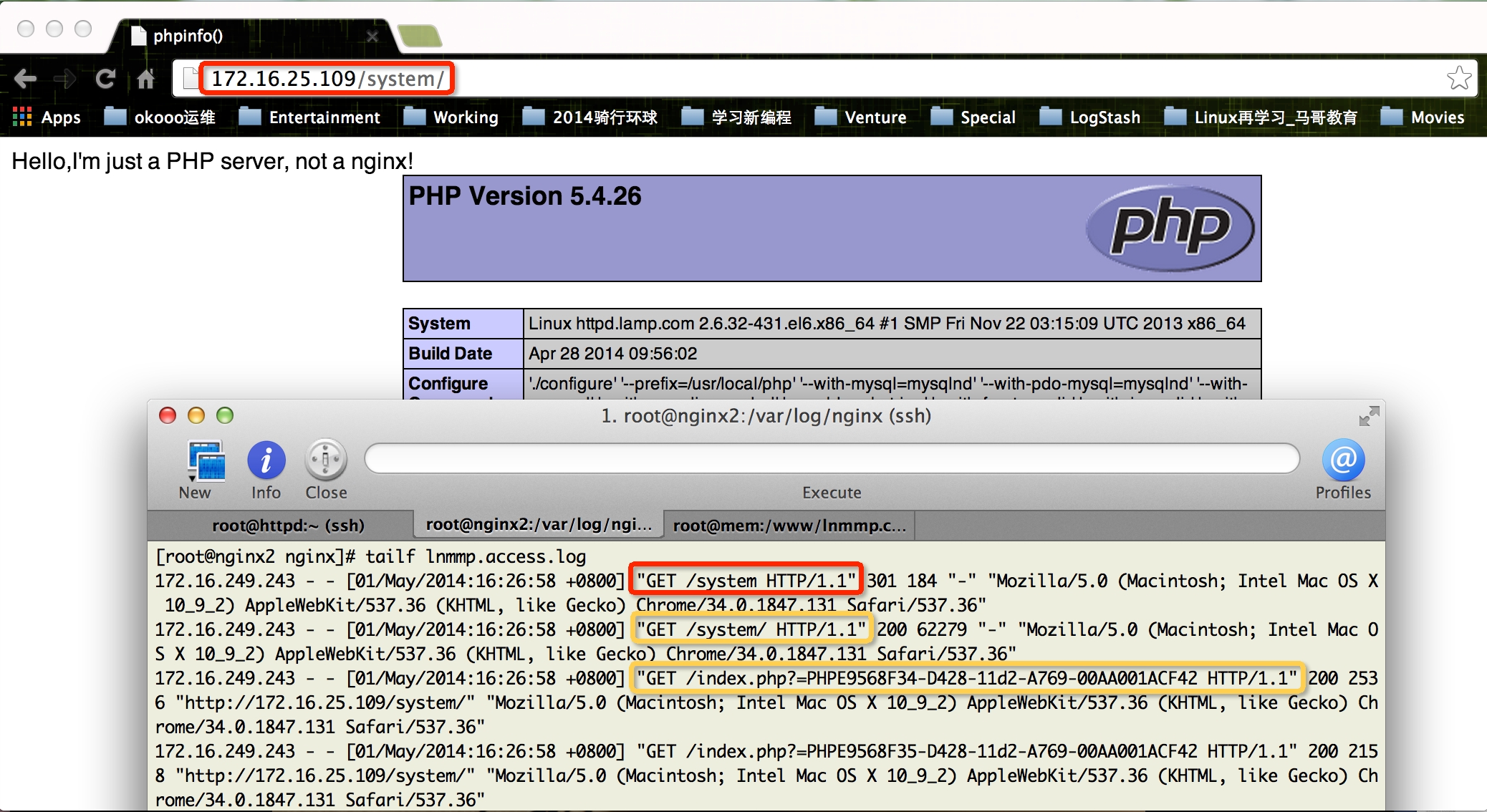
访问system路径跳转至主页
上一篇:如何测试Nginx的高性能
转载于:https://blog.51cto.com/xxrenzhe/1405447