11.2.0.4补丁号13390677,共7个文件,分别是

其中1&2是db,3是grid,4是client,5是gateways,6是example,7是deinstall
上传安装介质并解压
[[email protected] db]$ unzip -q p13390677_112040_Linux-x86-64_1of7.zip -d ~
[[email protected] db]$ unzip -q p13390677_112040_Linux-x86-64_2of7.zip -d ~
然后查看数据库信息
[[email protected] database]$ sql

SQL*Plus: Release 11.2.0.1.0 Production on Tue Mar 19 15:19:39 2019

Copyright (c) 1982, 2009, Oracle.  All rights reserved.


Connected to:
Oracle Database 11g Enterprise Edition Release 11.2.0.1.0 - 64bit Production
With the Partitioning, OLAP, Data Mining and Real Application Testing options

15:19:39 [email protected]> show parameter name

NAME                                 TYPE        VALUE
------------------------------------ ----------- ------------------------------
db_file_name_convert                 string
db_name                              string      orcl
db_unique_name                       string      orcl
global_names                         boolean     FALSE
instance_name                        string      orcl
lock_name_space                      string
log_file_name_convert                string
service_names                        string      orcl
15:19:49 [email protected]>
清空回收站
15:19:49 [email protected]> purge dba_recyclebin;

DBA Recyclebin purged.

Elapsed: 00:00:00.02
15:21:23 [email protected]> select count(1) from dba_recyclebin;

  COUNT(1)
----------
         0

Elapsed: 00:00:00.01
15:21:36 [email protected]>
查看无效对象
15:21:36 [email protected]> select count(*) from dba_objects where status<>'VALID';

  COUNT(*)
----------
         0
备份数据库,因为是测试库没数据就算了 关闭数据库,关闭监听
15:31:52 [email protected]> shutdown immediate;
Database closed.
Database dismounted.
ORACLE instance shut down.
15:34:01 [email protected]> Disconnected from Oracle Database 11g Enterprise Edition Release 11.2.0.1.0 - 64bit Production
With the Partitioning, OLAP, Data Mining and Real Application Testing options
[[email protected] database]$ lsnrctl stop

LSNRCTL for Linux: Version 11.2.0.1.0 - Production on 19-MAR-2019 15:35:13

Copyright (c) 1991, 2009, Oracle.  All rights reserved.

Connecting to (DESCRIPTION=(ADDRESS=(PROTOCOL=IPC)(KEY=EXTPROC1521)))
The command completed successfully
[[email protected] database]$
创建新的home目录并设置环境变量
[[email protected] database]$ mkdir -p /u01/app/oracle/product/11.2.0/dbhome_2/
[[email protected] database]$ export ORACLE_HOME=/u01/app/oracle/product/11.2.0/dbhome_2
[[email protected] database]$ ./runInstaller
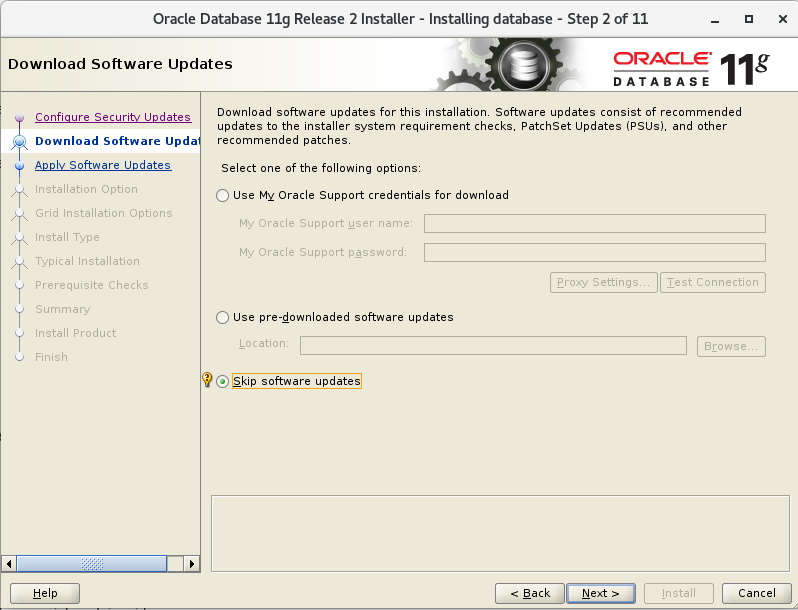
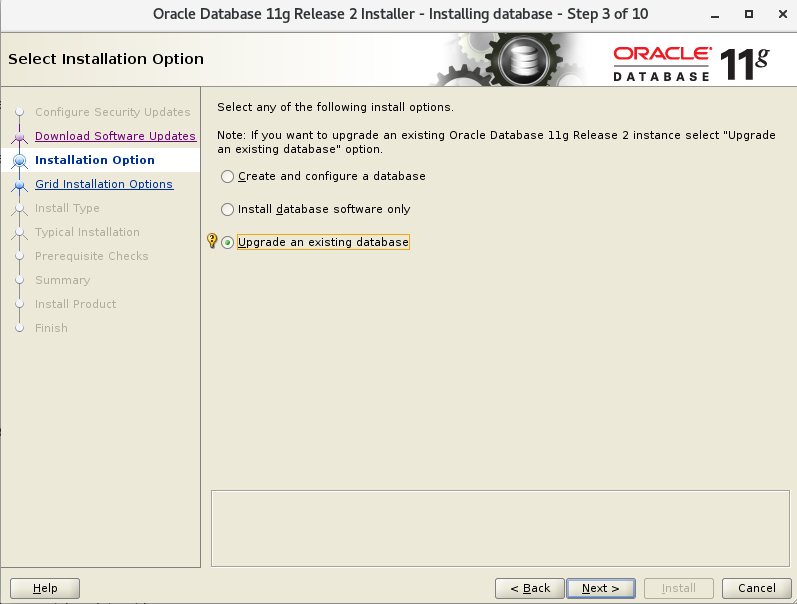
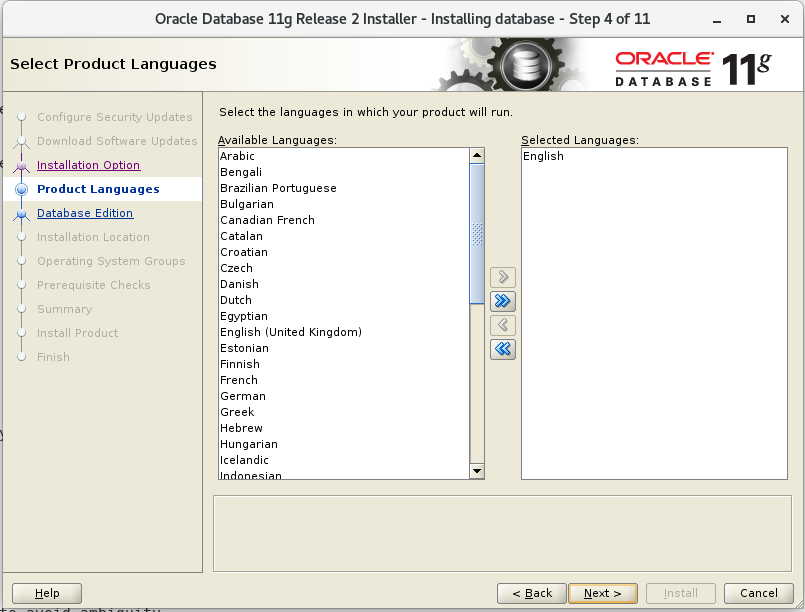
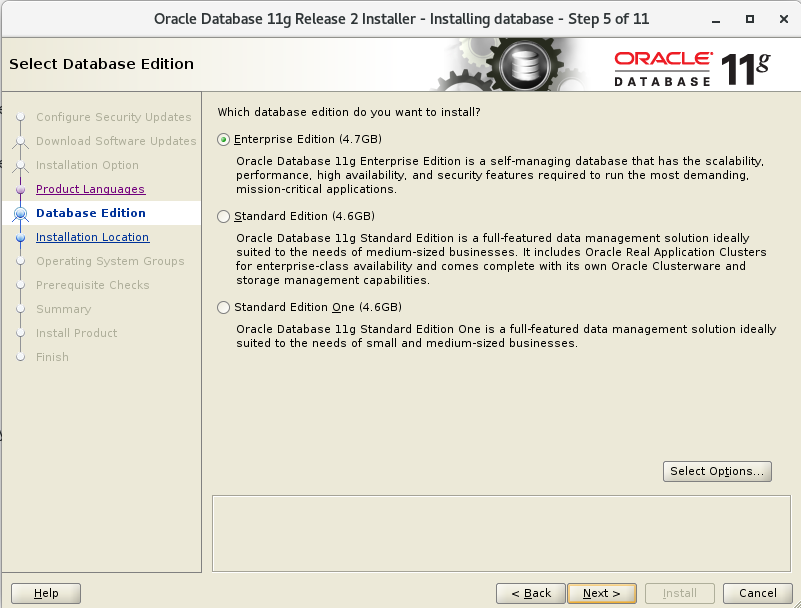
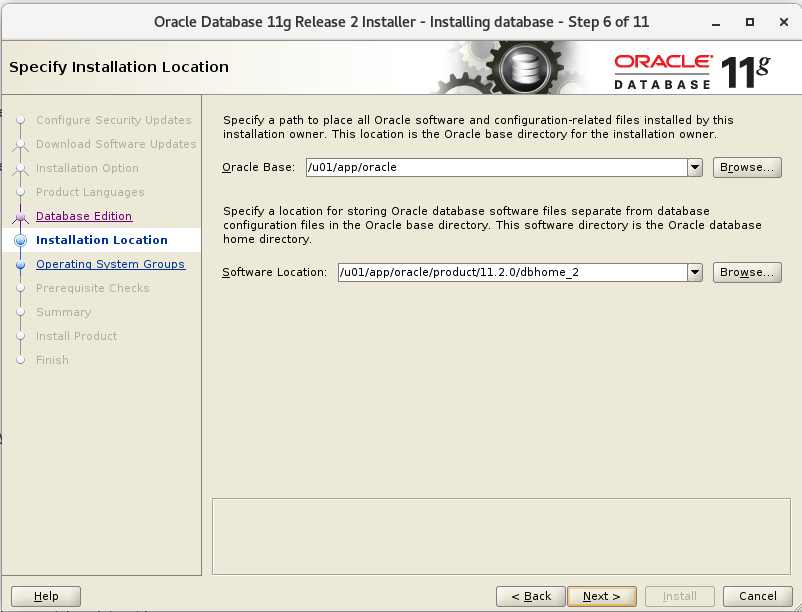
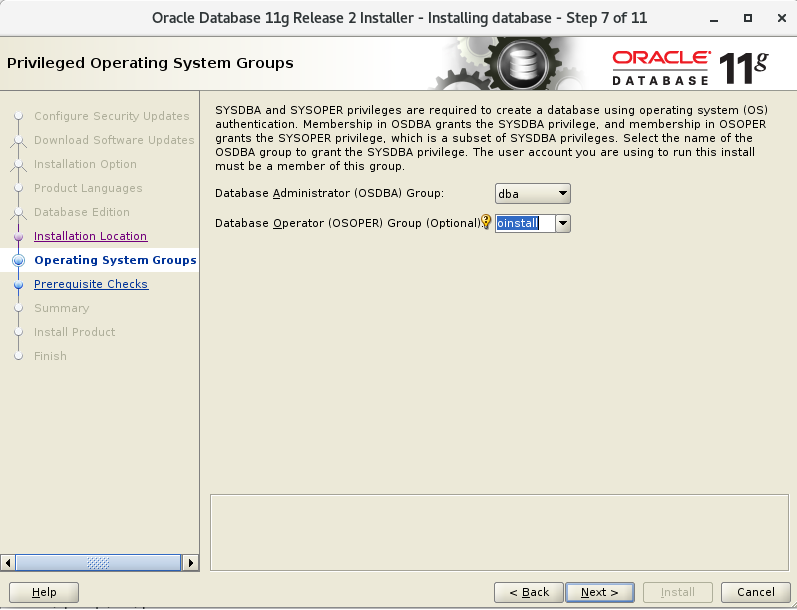
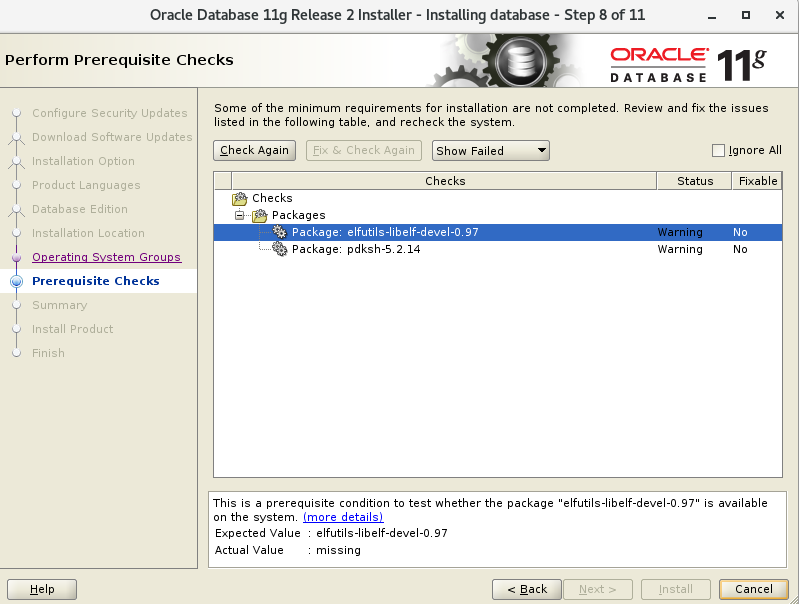
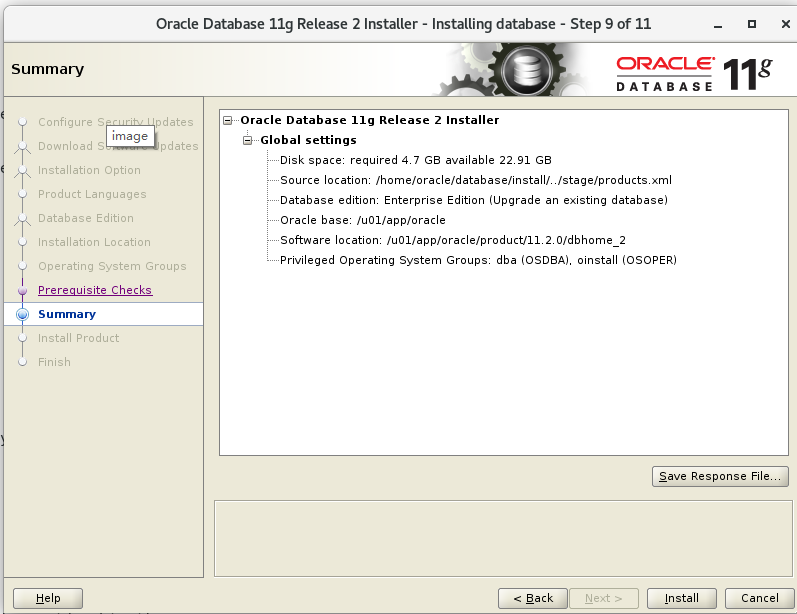
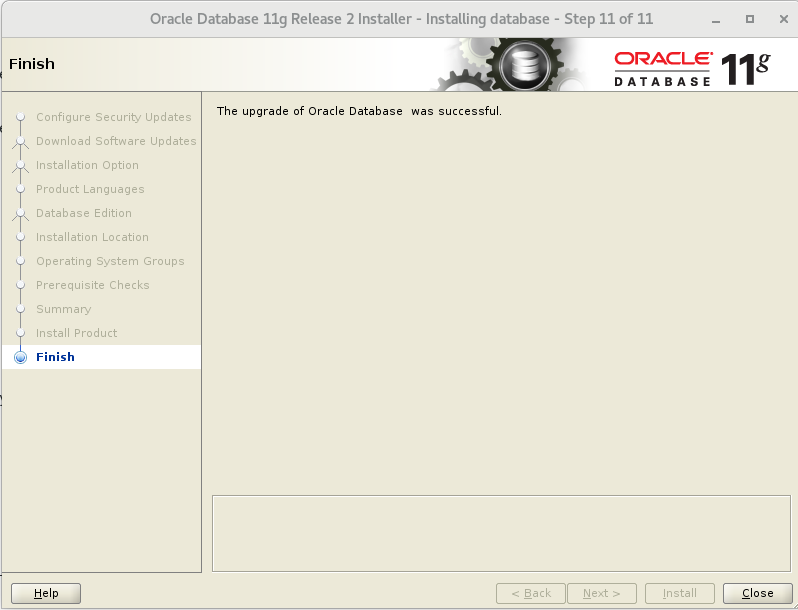
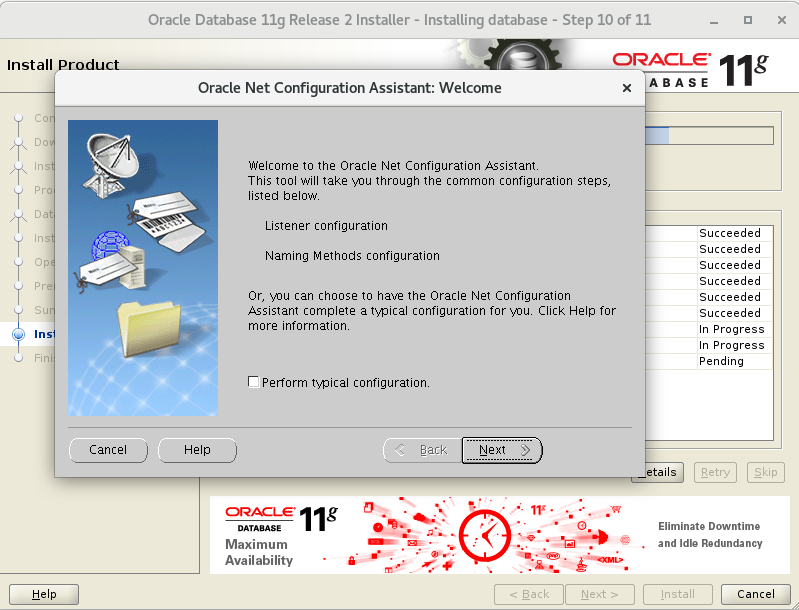
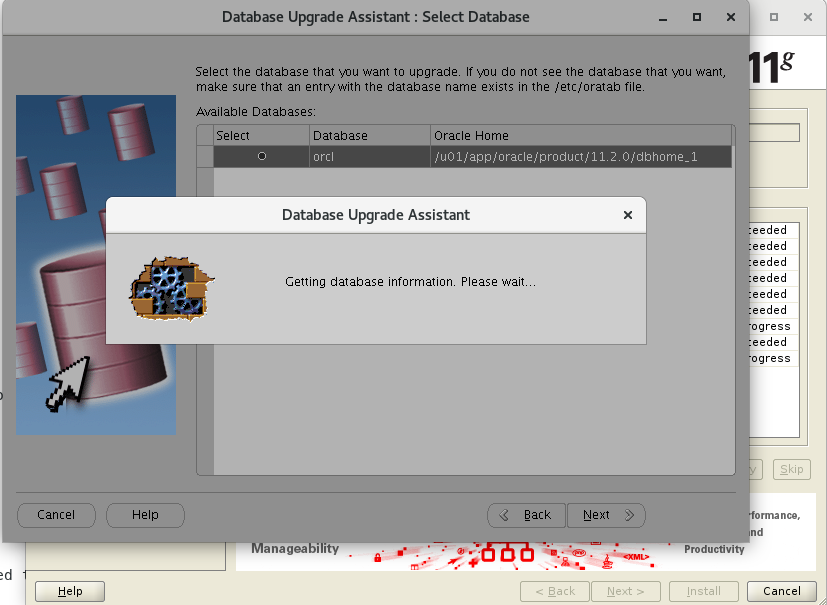
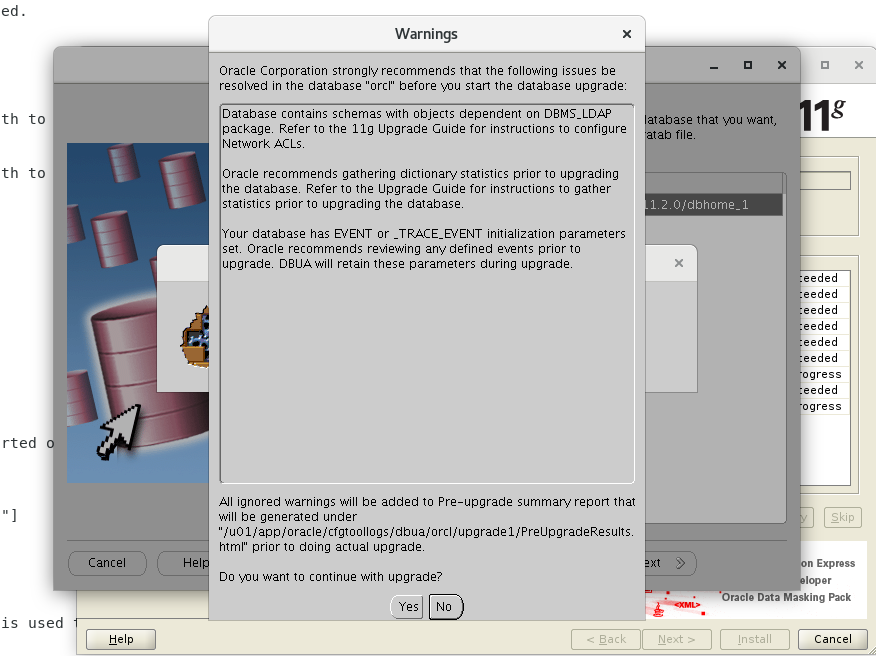
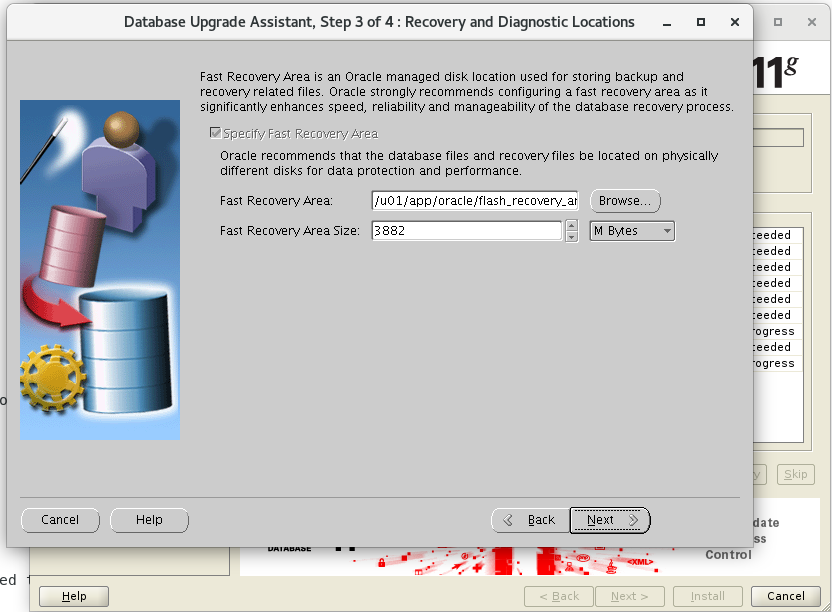
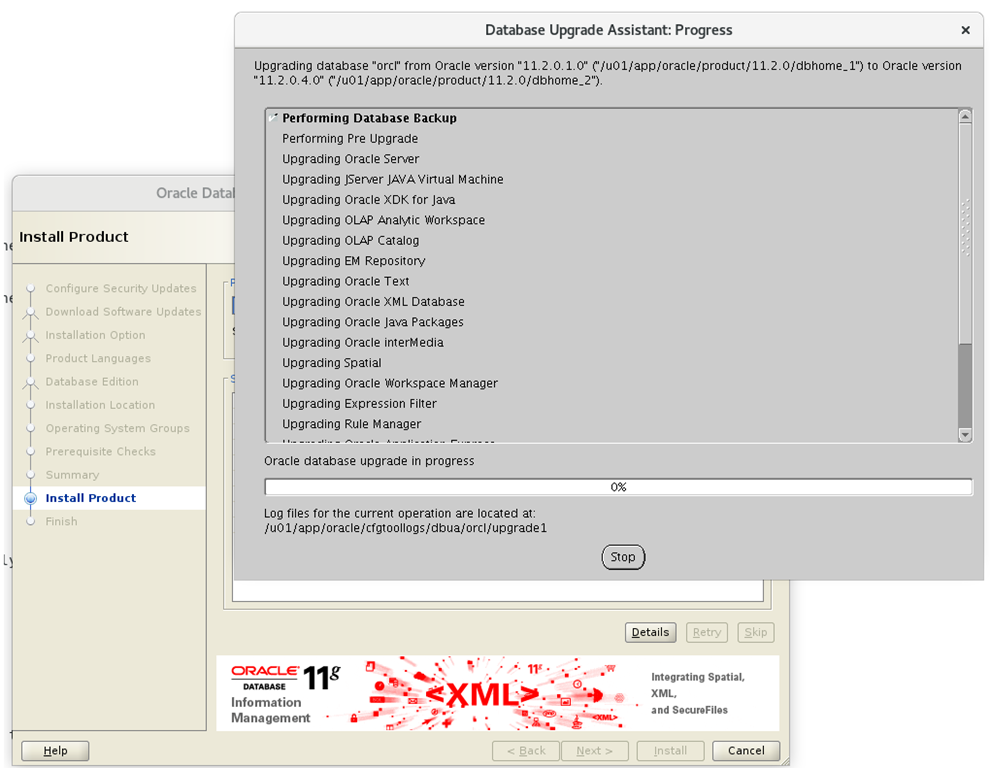
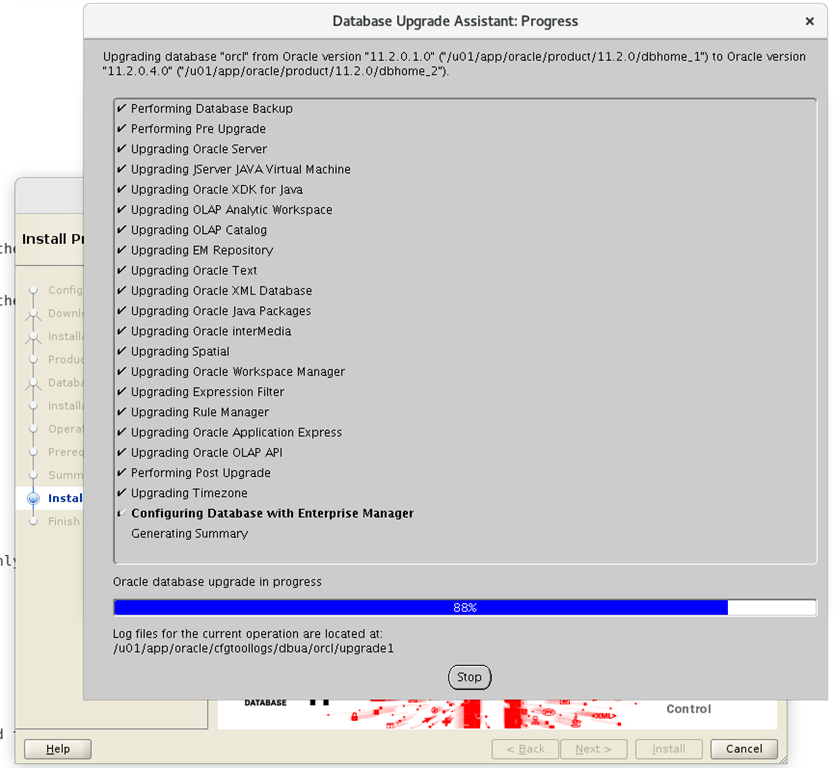
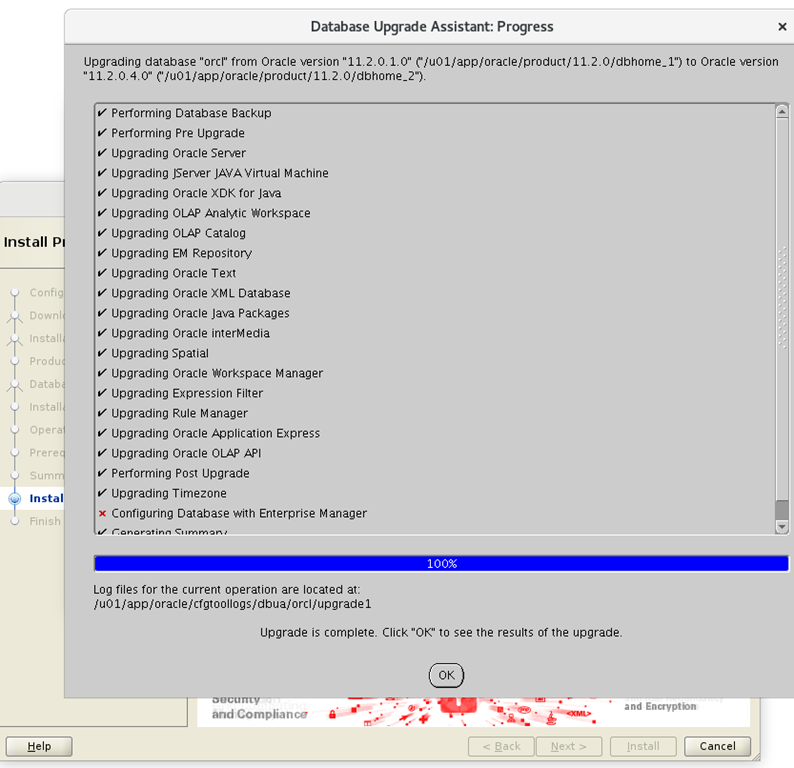
接着图形操作,i wish to receive ..这个勾去掉




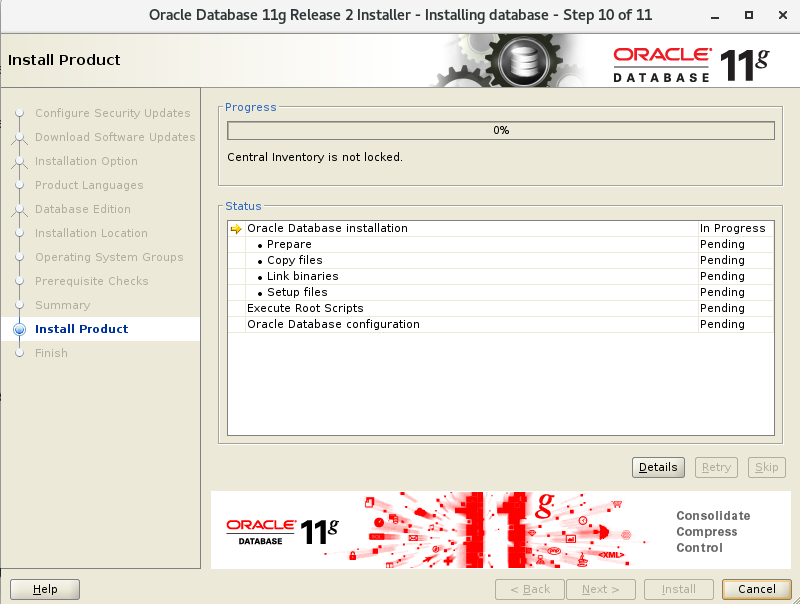
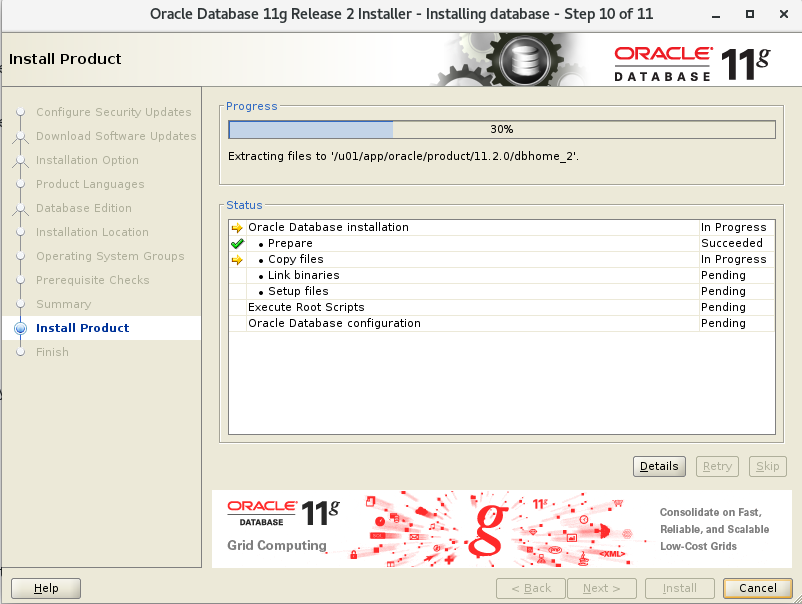

[[email protected] ~]# /u01/app/oracle/product/11.2.0/dbhome_2/root.sh
Performing root user operation for Oracle 11g

The following environment variables are set as:
    ORACLE_OWNER= oracle
    ORACLE_HOME=  /u01/app/oracle/product/11.2.0/dbhome_2

Enter the full pathname of the local bin directory: [/usr/local/bin]:
The contents of "dbhome" have not changed. No need to overwrite.
The file "oraenv" already exists in /usr/local/bin.  Overwrite it? (y/n)
[n]: y
   Copying oraenv to /usr/local/bin ...
The file "coraenv" already exists in /usr/local/bin.  Overwrite it? (y/n)
[n]: y
   Copying coraenv to /usr/local/bin ...

Entries will be added to the /etc/oratab file as needed by
Database Configuration Assistant when a database is created
Finished running generic part of root script.
Now product-specific root actions will be performed.
Finished product-specific root actions.
[[email protected] ~]#

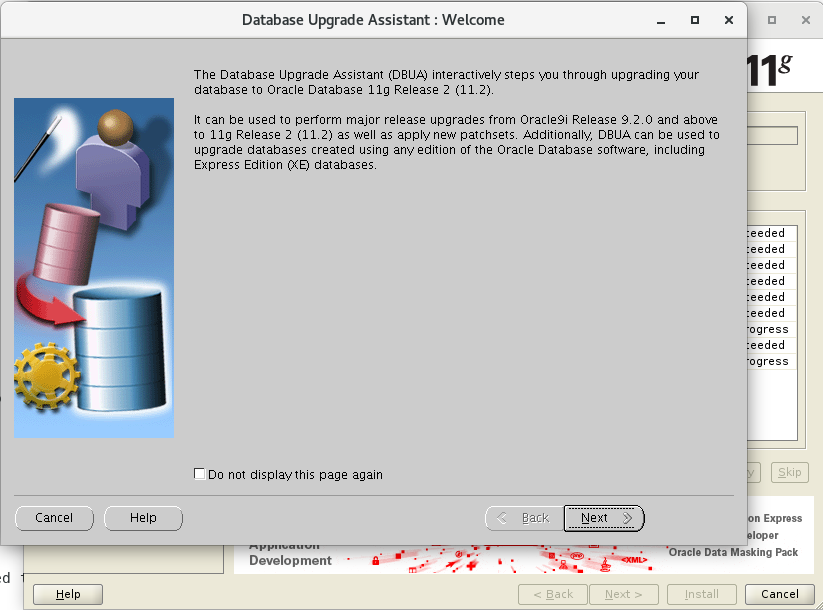
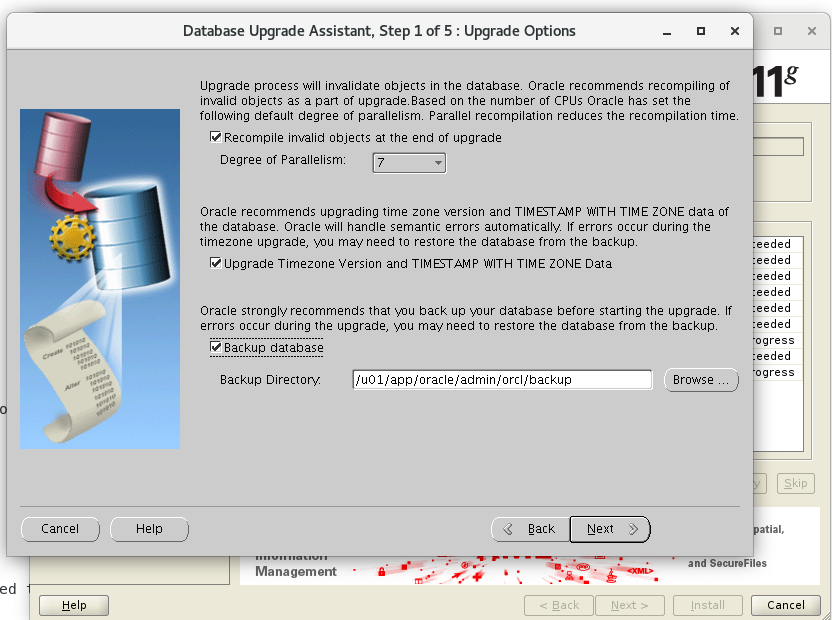





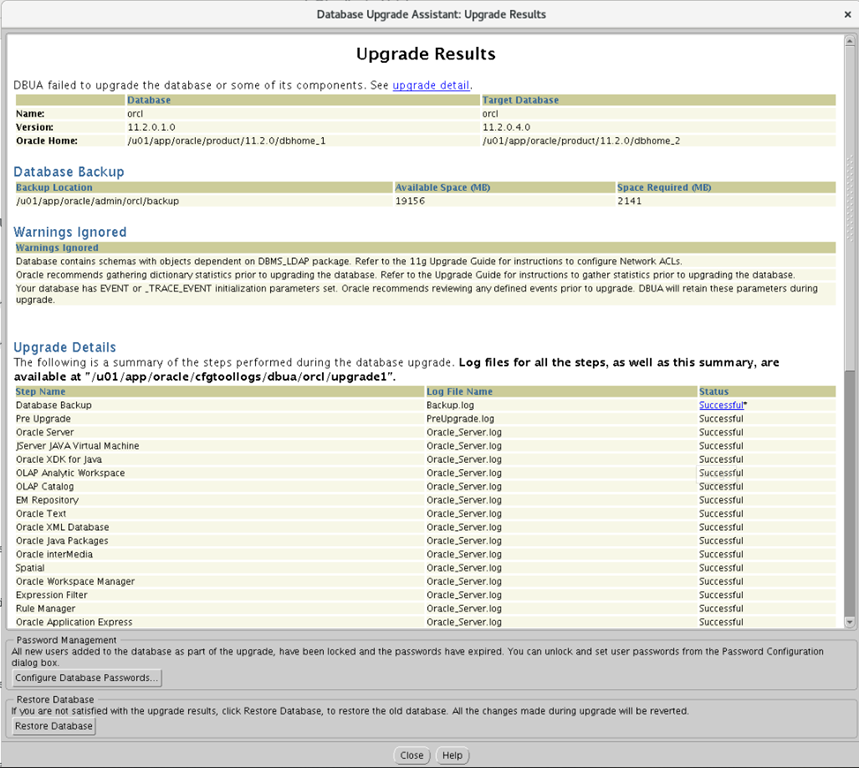
[[email protected] admin]$ vim glogin.sql
Define _editor='vi'
Set sqlprompt "_user'@'_connect_identifier> "
set time on
set timing on
set pagesize 40
set linesize 120
[[email protected] admin]$ sql

SQL*Plus: Release 11.2.0.1.0 Production on Tue Mar 19 16:53:47 2019

Copyright (c) 1982, 2009, Oracle.  All rights reserved.


Connected to:
Oracle Database 11g Enterprise Edition Release 11.2.0.4.0 - 64bit Production
With the Partitioning, OLAP, Data Mining and Real Application Testing options

16:53:47 [email protected]> select * from v$version;

BANNER
--------------------------------------------------------------------------------
Oracle Database 11g Enterprise Edition Release 11.2.0.4.0 - 64bit Production
PL/SQL Release 11.2.0.4.0 - Production
CORE    11.2.0.4.0      Production
TNS for Linux: Version 11.2.0.4.0 - Production
NLSRTL Version 11.2.0.4.0 - Production

Elapsed: 00:00:00.01
16:53:55 [email protected]>
have fun