我们前一篇文章写了一个Cento7+Nginx 反向代理实现多域名跳转,今天主要介绍一下Cento7+Nginx 之 URL重写,
Hostname:A-S.IXMSOFT.COM
IP:192.168.5.20
Role:Nginx server
我们首先准备安装Nginx仓库
|
1
2
|
Yum install http://nginx.org/packages/centos/7/noarch/RPMS/nginx-release-centos-7-0.el7.ngx.noarch.rpm
yum install nginx
|
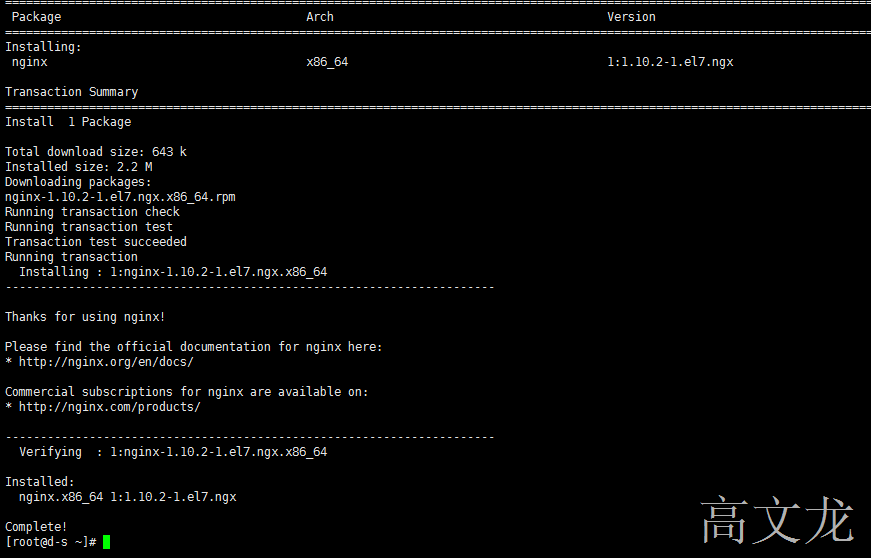
安装完后,我们查看默认的nginx配置文件
|
1
|
vim /etc/nginx/nginx.conf
|
默认的nginx.conf文件
|
1
2
3
4
5
6
7
8
9
10
11
12
13
14
15
16
17
18
19
|
user nginx;worker_processes 1;error_log /var/log/nginx/error.log warn;
pid /var/run/nginx.pid;
events {worker_connections 1024;}http {include /etc/nginx/mime.types;
default_type application/octet-stream;
log_format main '$remote_addr - $remote_user [$time_local] "$request" '
'$status $body_bytes_sent "$http_referer" ''"$http_user_agent" "$http_x_forwarded_for"';
access_log /var/log/nginx/access.log main;
sendfile on;#tcp_nopush on;keepalive_timeout 65;#gzip on;include /etc/nginx/conf.d/*.conf;
|
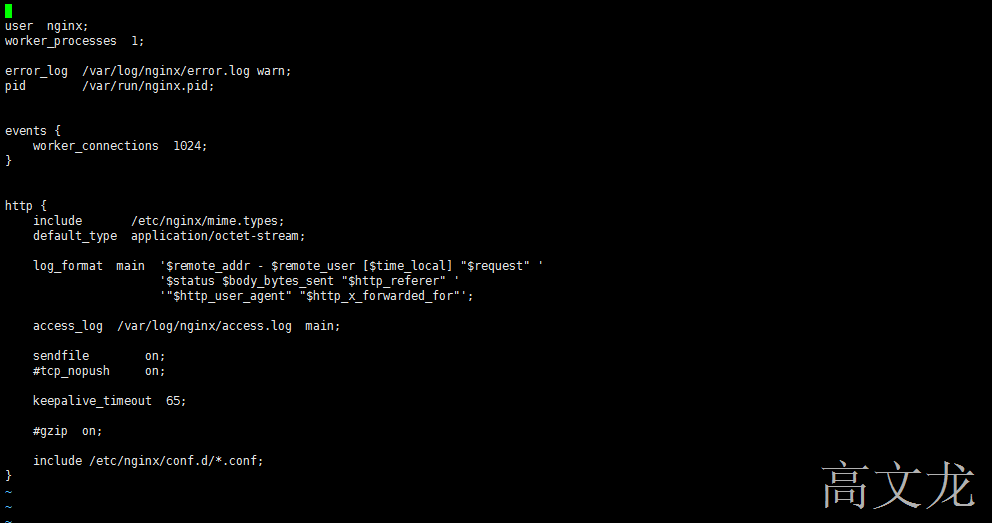
我们看见nginx默认配置下包括了一个包含多个配置文件的选项,所以我们一般可以不修改这个默认的配置文件
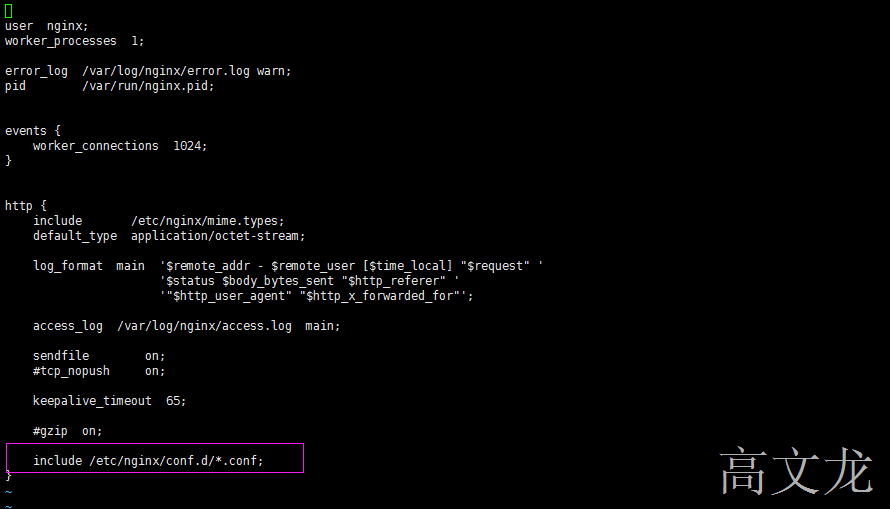
我们查看默认的配置文件

我们查看默认的default.conf文件内容
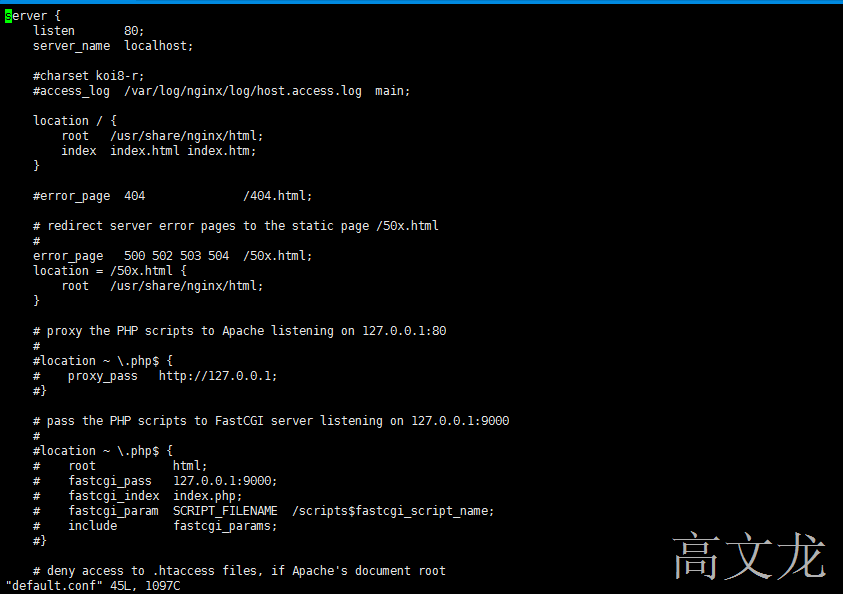
我们看见这个配置文件已经占用了80端口,我们将80端口修改。
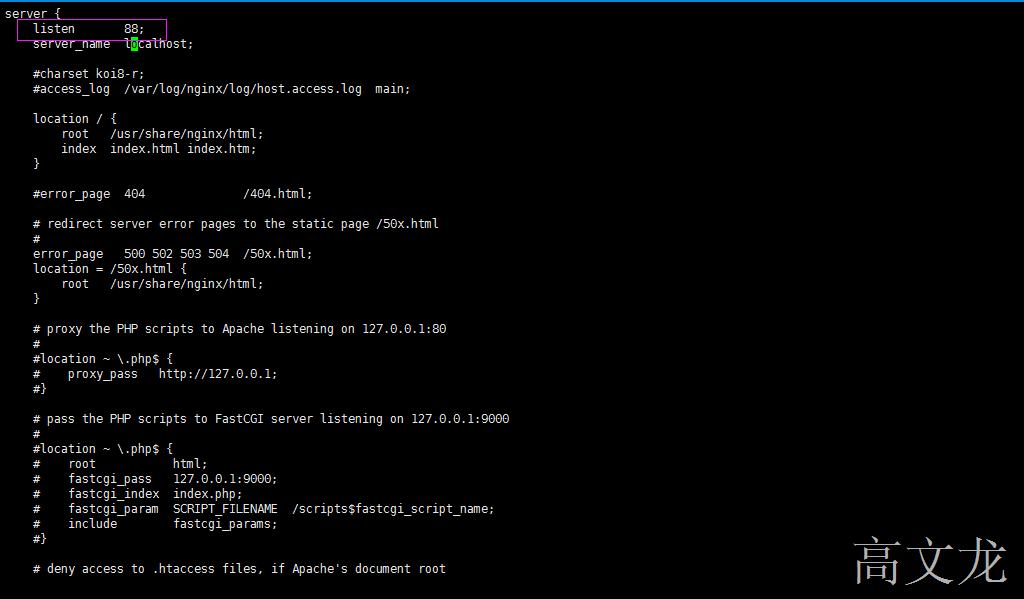
接下来我们新建一个配置文件,也可以在默认的配置文件中修改。但是不建议
|
1
2
3
4
5
6
7
8
9
10
|
cd /etc/nginx/conf.d/
vim rewrite.confserver {listen 80;server_name ixmsoft.com;location / {rewrite ^/(.*) http://www.baidu.com;
}access_log logs/rewrite_access.log;
} |
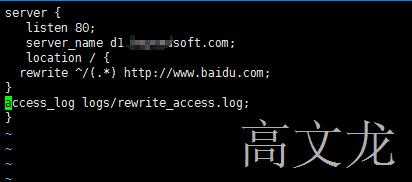
保存退出后,我们重启nginx
|
1
2
|
systemctl stop nginxsystemctl start nginx |
我们需要将server_name的域名指向nginx IP本地,然后才可以访问。
在dns中添加记录,d1.ixmsoft.com 指向Nginx IP 192.168.5.20

然后测试访问
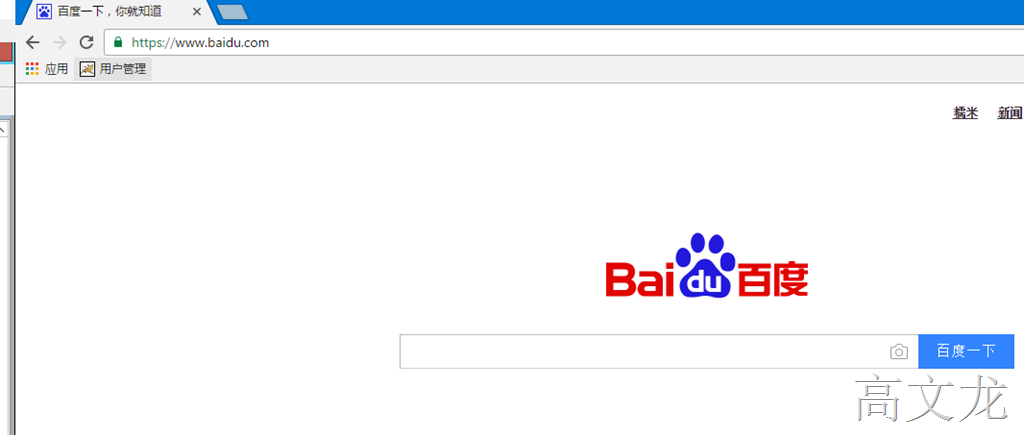
然后我们查看log,
|
1
|
cat /etc/nginx/logs/rewrite_access.log
|

当然,我们也可以添加多个server来实现域名跳转,在原有的配置文件内增加即可
|
1
2
3
4
5
6
7
8
9
10
11
12
13
14
15
16
|
server {listen 80;server_name d1.ixmsoft.com;location / {rewrite ^/(.*) http://www.baidu.com;
}access_log logs/rewrite_access.log;
}server {listen 80;server_name d2.ixmsoft.com;location / {rewrite ^/(.*) http://www.sina.com;
}access_log logs/rewrite_access02.log;
} |
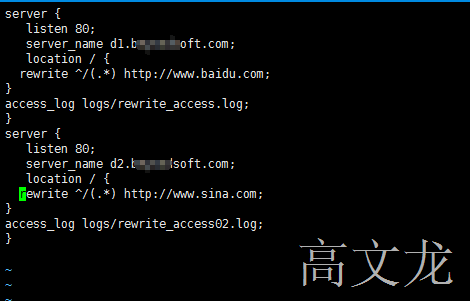
重启后,我们测试访问

同样查看log

本文转自 高文龙 51CTO博客,原文链接:http://blog.51cto.com/gaowenlong/1881457,如需转载请自行联系原作者